How to increase bot difficulty in CS2
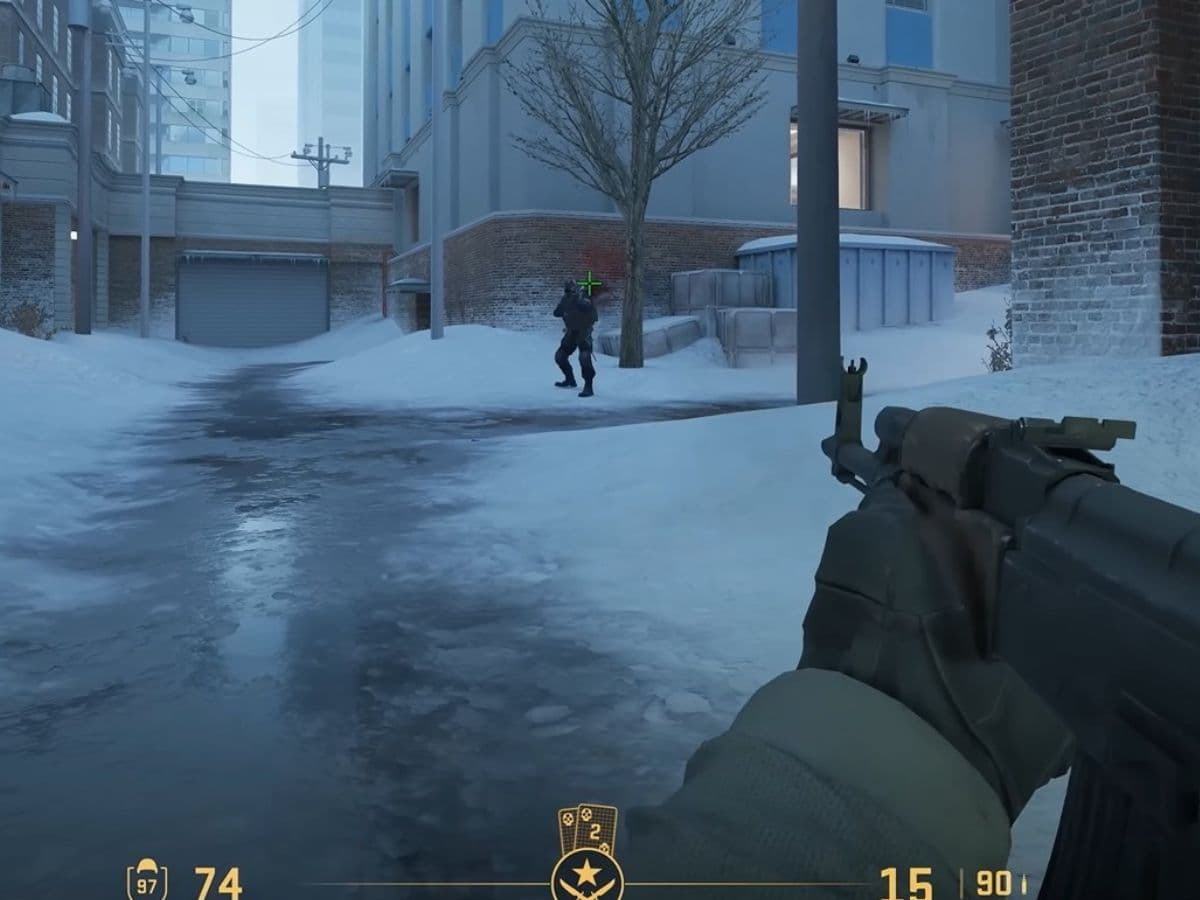
CS2 bots give you a controlled way to practice aim, movement, and fights without the pressure of ranked games. You can repeat the same duel, angle, or site take until it feels natural. That makes bots one of the fastest tools for skill building in CS2, and you can also tune them by assigning different settings. You can raise their skill, change how many spawn, and shape custom drills like 1v5 or 10 hard bots. This guide goes over all of the settings you can use in the game!
What do bots do in CS2?
Bots act as AI players that fill teams or serve as practice targets. They help you learn maps, build muscle memory, and warm up your aim before real matches. If you are in the mood for just having fun and playing against AI, you can still use bots to fulfill your needs. It may not be the most-used method, but it is still pretty popular among CS2 players.
How to raise bot difficulty in CS2
First things first, you need to enable the console. If you want to learn more about themi check out our piece on CS2 console commands. To raise bot difficulty, follow these steps:
Enable the console
- Open Settings in CS2.
- Go to Game.
- Find Enable Developer Console and set it to Yes.
- Close Settings.
- Press the ~ key to open the console.
Set bot difficulty
Bots have four difficulty levels:
- 0 = Easy
- 1 = Normal
- 2 = Hard
- 3 = Expert (hardest)
Do this:
- Start an offline/practice match on any map.
- Press ~ to open the console.
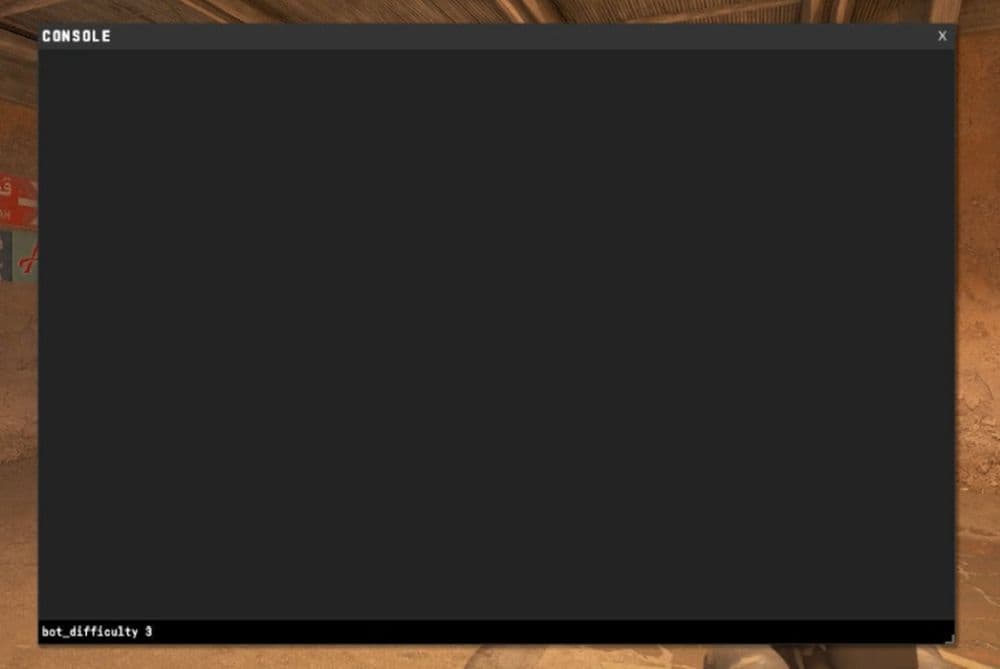
- Type the difficulty command you want, then press Enter.
Example (Expert bots):
- bot_difficulty 3
Don’t forget to check out our guide on best CS2 offline workshop maps!
Stop CS2 from changing bot difficulty by itself
Some lobbies adjust bot difficulty automatically. Turn that off so your setting stays stable.
- Open the console (~).
- Type the command below and press Enter.
- Restart the round so it applies.
Here are the codes:
- sv_auto_adjust_bot_difficulty 0
- mp_restartgame 1
Increase bot limit in CS2 with bot_quota and bot_quota_mode
If you want more bots in your match, you control it with two commands:
- bot_quota sets the number of bots CS2 should aim for.
- bot_quota_mode fill tells CS2 to fill empty slots with bots until it hits the quota.
Raise the bot limit
- Start an offline/practice match.
- Open the console (~).
- Paste these two lines and press Enter after each line.
Use these codes:
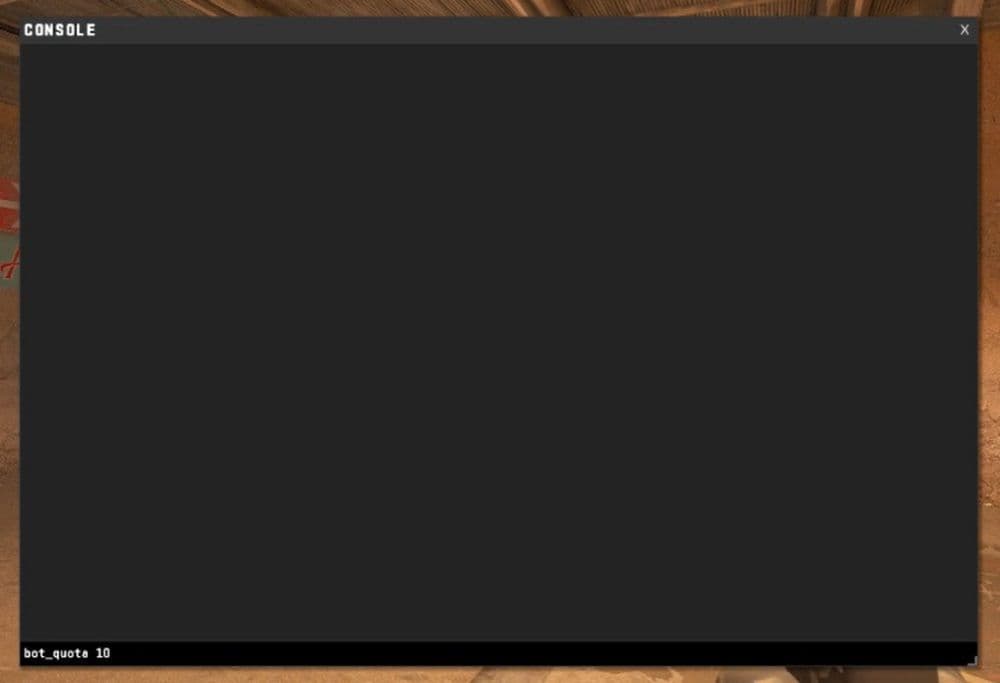
- bot_quota_mode fill
- bot_quota 10
Prevent team rules from blocking your setup
If CS2 tries to balance teams or stop uneven teams, turn these off.
- Open the console (~).
- Paste these two lines.
- mp_autoteambalance 0
- mp_limitteams 0
Hardest CS2 bot difficulty and what it means
Expert is the hardest bot difficulty in CS2. You set it with bot_difficulty 3.
Set the hardest bots and lock the setting
- Start an offline/practice match.
- Open the console (~).
- Paste the full block below, line by line.
- bot_difficulty 3
- sv_auto_adjust_bot_difficulty 0
- mp_restartgame 1
How to play against 10 hard bots in CS2
This is the cleanest way to set up “you vs 10 Hard bots” for aim and survival practice.
10 Hard bots setup (copy this block)
- Start an offline/practice match.
- Open the console (~).
- Copy and paste this entire block.
- Press Enter.
- mp_autoteambalance 0
- mp_limitteams 0
- bot_quota_mode fill
- bot_quota 10
- bot_difficulty 2
- sv_auto_adjust_bot_difficulty 0
- mp_restartgame 1
Make bots spawn only on the enemy team
Sometimes bots appear on your team too. Remove them from your side.
- Decide which side you are playing: T or CT.
- If you play CT, kick bots from CT.
- If you play T, kick bots from T.
Kick bots from a team
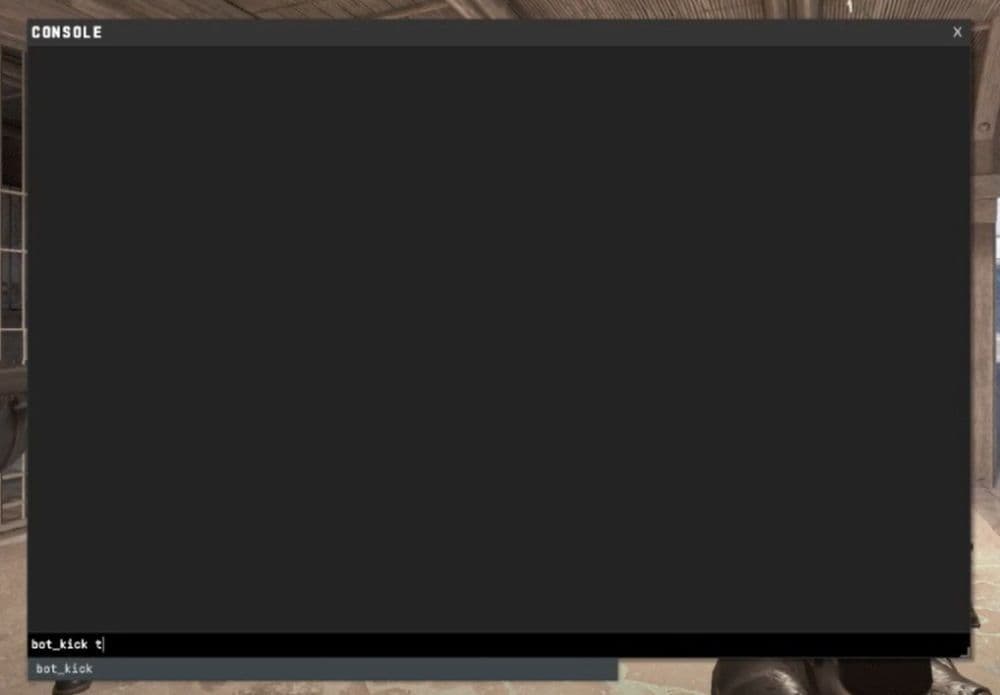
- bot_kick ct
Or
- bot_kick t
Can I 1v5 bots in CS2?
Yes. You just set 5 bots total, then remove any bots that land on your team.
1v5 bots setup
- Start an offline/practice match.
- Open the console (~).
- Paste this block.
- mp_autoteambalance 0
- mp_limitteams 0
- bot_quota_mode fill
- bot_quota 5
- bot_difficulty 2
- sv_auto_adjust_bot_difficulty 0
- mp_restartgame 1
Keep your team empty
Use one of these, based on your side:
- bot_kick ct
or
- bot_kick t
How to kick 1 bot in CS2
If you want to remove only one bot, you can kick it by name.
Kick a single bot
- Open the scoreboard and look at the bot’s name.
- Open the console (~).
- Type:
- bot_kick <botname>
If you prefer team-based kicking:
- bot_kick t
- bot_kick ct
How to use bots to get better at CS2
Bots help most when you run short drills with clear goals. Use these three blocks and rotate them.
Drill 1: Aim warm-up (10 minutes)
Goal: faster first bullet and cleaner sprays.
- Set Hard or Expert bots:
- bot_difficulty 2
- Or bot_difficulty 3
- Buy one weapon and stick to it.
- Take fights at medium range and keep your crosshair at head height.
Drill 2: Entry and clearing (10 minutes)
Goal: better peeks and angle checks.
- Run the 1v5 setup.
- Clear the same site route every time.
- Reset and repeat until you stop over-peeking.
Drill 3: Pressure drill (10 minutes)
Goal: improve survival under stress.
- Run the 10 Hard bots setup.
- Move after every kill.
- Play for cover and re-peeks, not wide swings
Check out more of our CS2 guides below:
- Everything about CS2 workshop map 1v1 commands
- Best CS2 aim training maps that can really improve your skills
- CS2 jumpthrow bind
- All CS2 roles and positions: How to play and improve each
- Explained: Best CS2 surf servers & maps
Featured Image Credit: 3kliksphilip on YouTube
All Related Guides
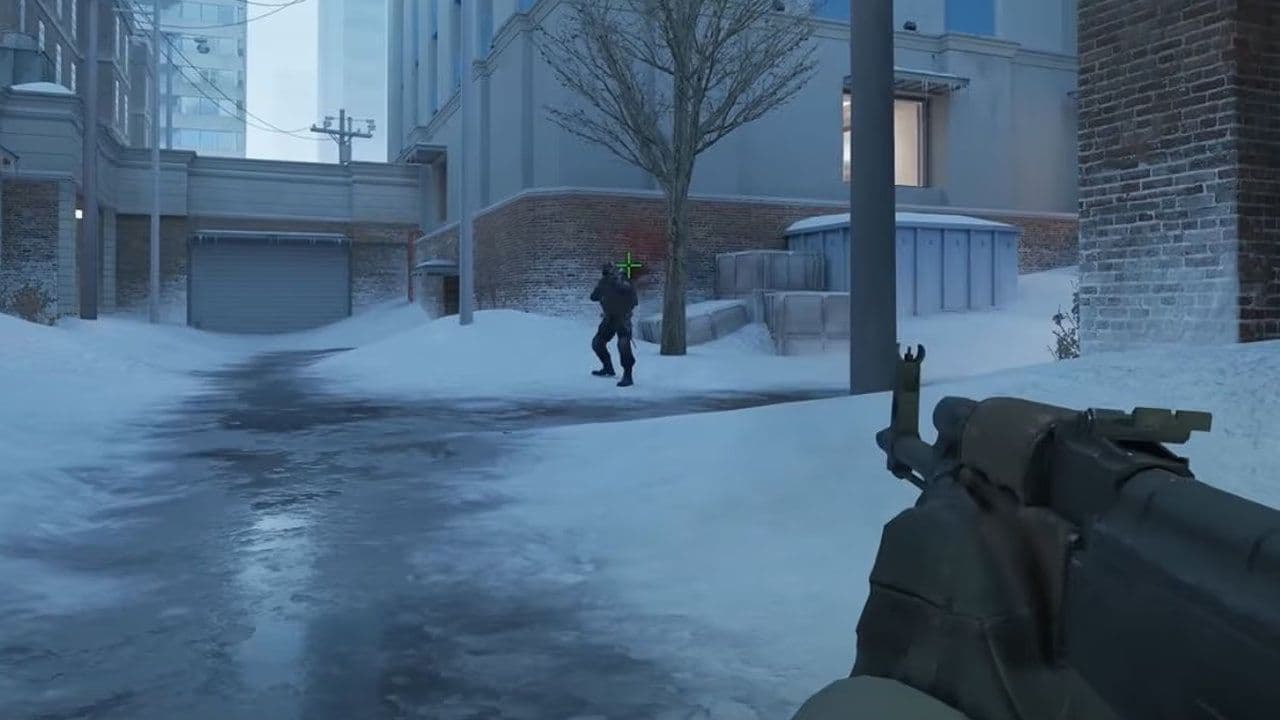 How to do a 1v1 in CS2: Private matches, maps, and commandsLearn how to 1v1 in CS2 with friends using private Practice matches, Workshop maps, console commands, custom r...
 donk crosshair CS2: Current code and how to copy itWant to try donk’s crosshair in CS2? Check the current donk crosshair CS2 code and see how his setup works....
 How to change the HUD color in CS2Change your HUD color in CS2 with a few quick steps. See the available colors, command values, and which choic...
 How to make CS2 look like CSGOMiss the old CS:GO visuals? This guide explains how to adjust CS2 graphics, brightness, colors, HUD, and weapo...
 How to bind mousewheel to jump CS2Find the best CS2 mousewheel jump bind commands, learn how to set them up, and see how scroll jumping can supp...
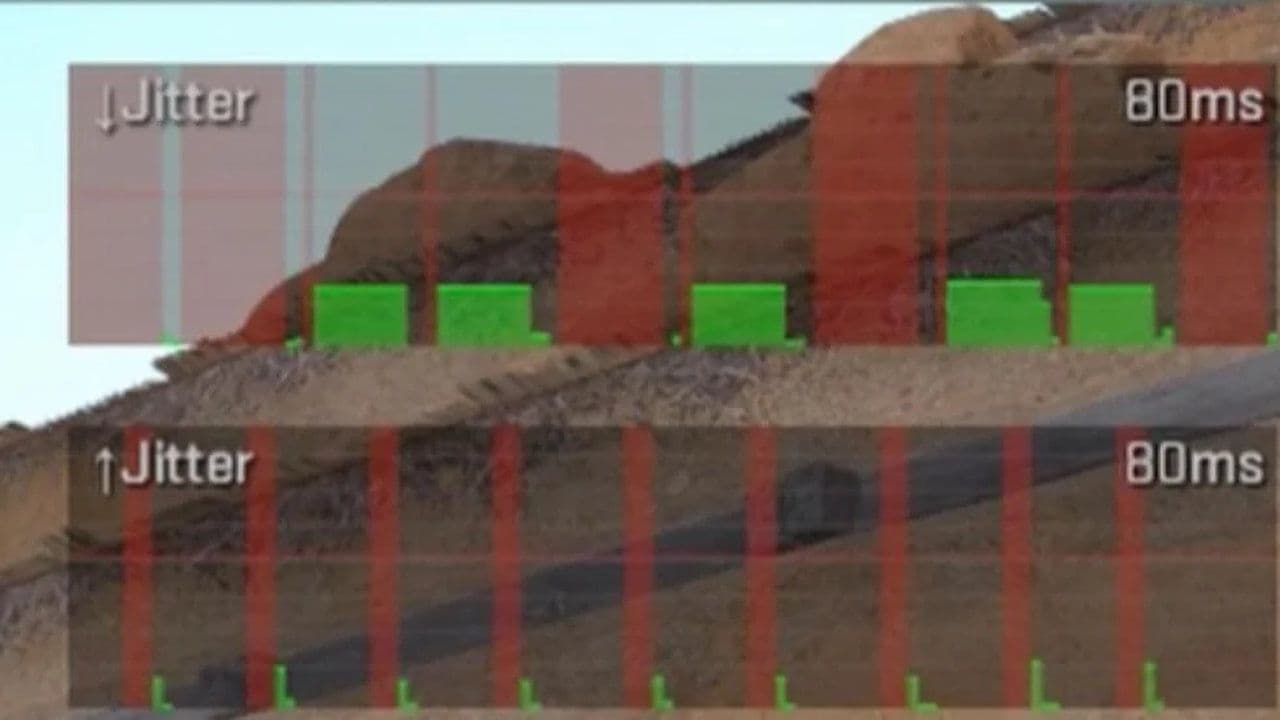 How to fix net jitter in CS2: Best solutions for packet loss, lag & rubberbandingLearn how to fix net jitter in CS2 with the best solutions for packet loss, lag, rubberbanding, and unstable c...
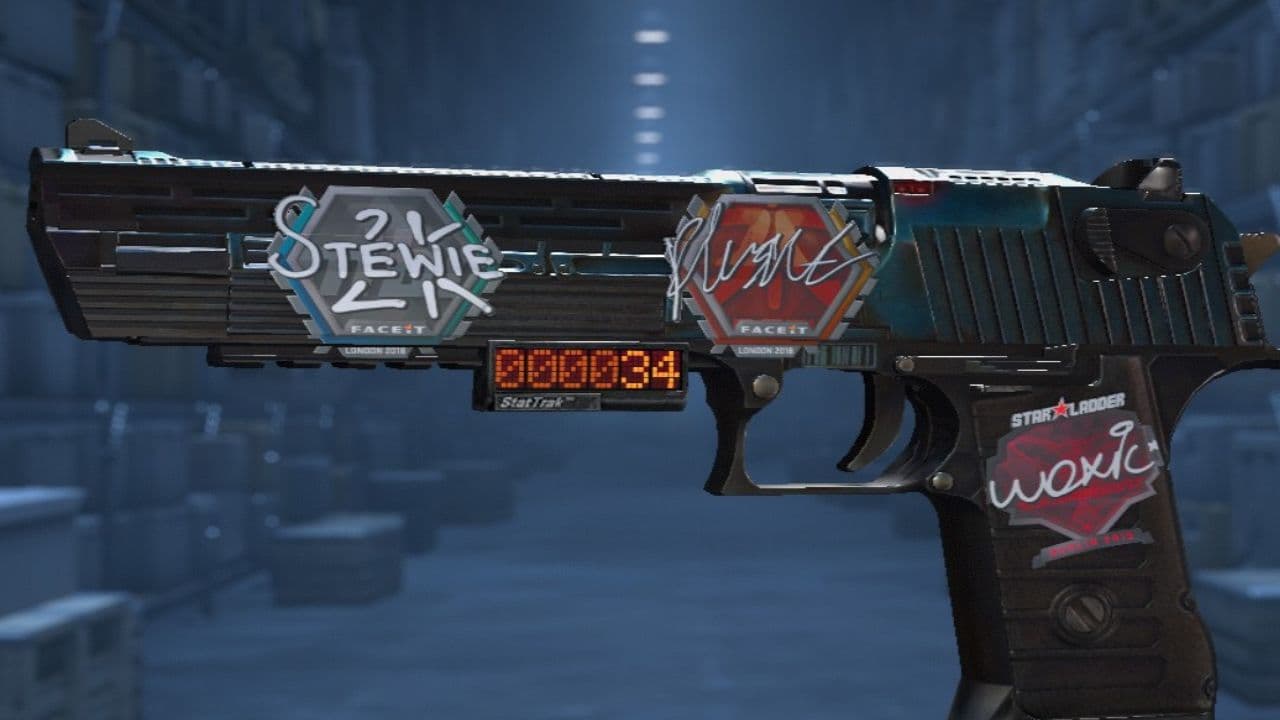 How to scrape stickers in CS2Want to remove stickers in CS2? Here’s how scraping works, what it changes, and why full removal is permanent....
 ropz CS2 settings: Crosshair, viewmodel, and moreCopy ropz CS2 settings for mouse, crosshair, viewmodel, video, and radar, then adjust them to match your own a...
- 1
- 2
- 3
- 4