How to join servers on Hytale (3 easy ways)
Hytale multiplayer quick start guide
If you want to play multiplayer, knowing how to join servers on Hytale is essential. Servers allow you to explore worlds with friends, join community adventures, and experience custom game modes.
This guide explains every method in clear steps, including joining friends, using IP addresses, saving servers, and fixing connection problems.
How to join servers on Hytale
Before learning how to join servers on Hytale, make sure you have:
- Hytale installed and updated to the latest version
- A working internet connection
- Your Hytale account logged in
- The server address, share code, or invite from your friend
Without the correct server information, you won’t be able to connect. Did you do all? Here are all the ways you can join servers on Hytale:
- Using a share code
- Using Direct Connect (IP Address)
- Add and save servers (Recommended)
Here is how.
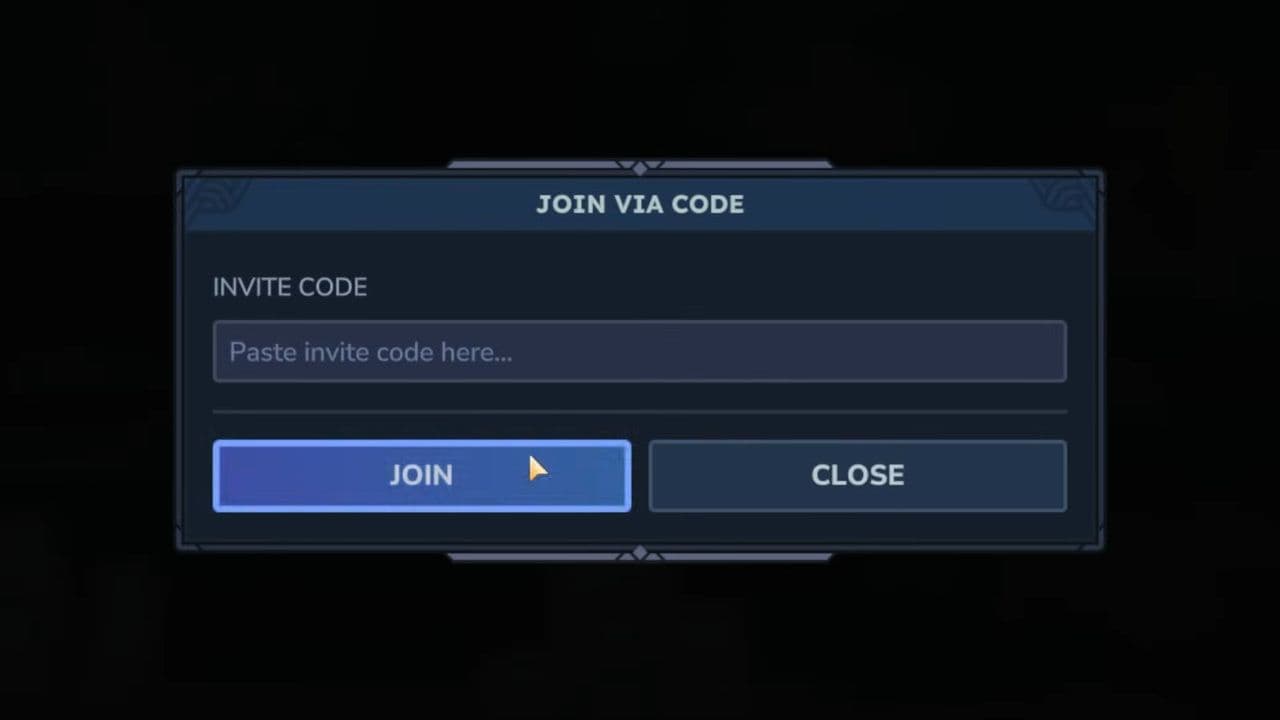
You will now enter your friend’s world.
Share codes in Hytale allow you to connect directly to a world that is hosted on another player’s computer rather than a permanent dedicated server. This means the world exists only while the host is actively in the game and sharing access. If the host goes offline or closes their game, you will be disconnected and won’t be able to rejoin until they host the world again. For this reason, share codes are best suited for private multiplayer sessions, where small groups of players want to explore, build, or adventure together in a controlled environment.
How to join servers on Hytale using Direct Connect (IP Address)
Many community servers use an IP address.
- Open Hytale
- Click Servers
- Select Direct Connect
- Enter the server address
- Click Connect

If the server is online, you will join immediately.
Add and save servers (Recommended)
If you play on a Hytale server often, save it.
- Open Servers
- Click Add Server
- Enter:
- Server Name
- Server Address
- Click Add Server
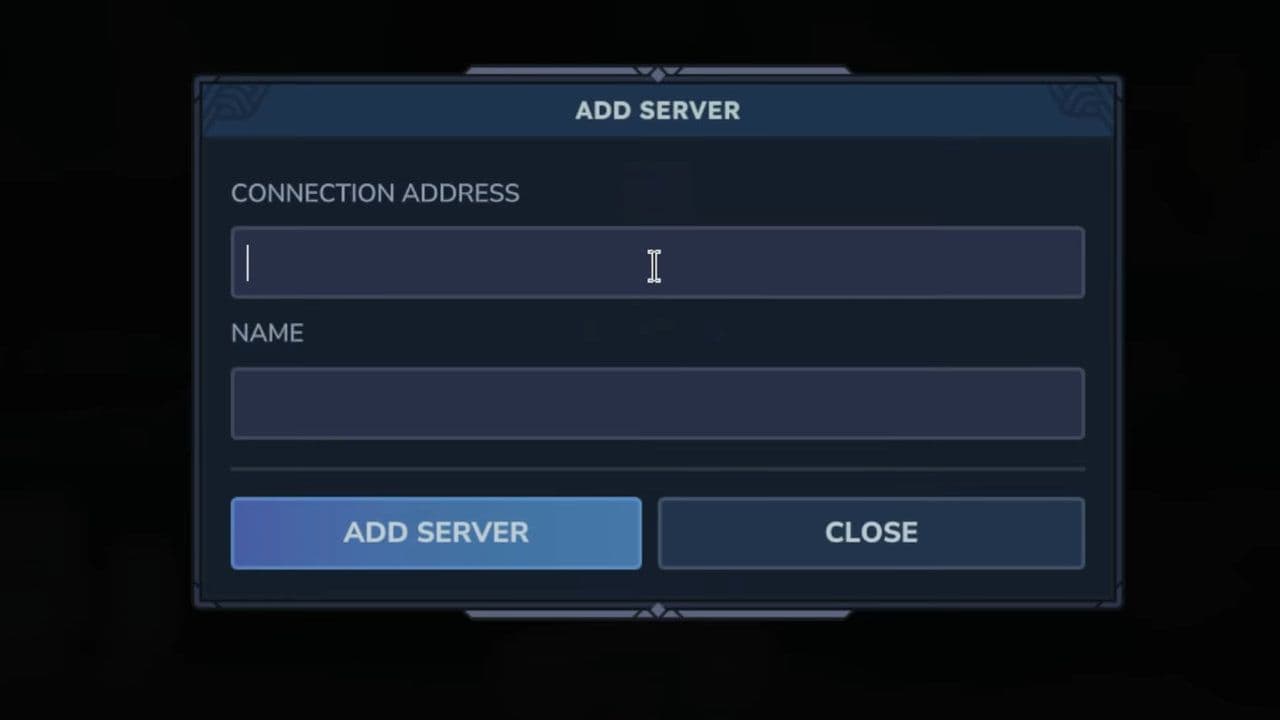
Now the server appears in your list.
Next time, just click it to join. This saves time.
In case you need: How to join your own Hytale server
Joining your own server in Hytale is simple and only takes a few steps:
- Open your server launcher (for example, start-server.bat or start-server.sh) and wait until it shows that the server is running.
- Launch Hytale and stay on the main menu.
- Click Servers to open the multiplayer screen.
- Click Direct Connect or Add Server (recommended).
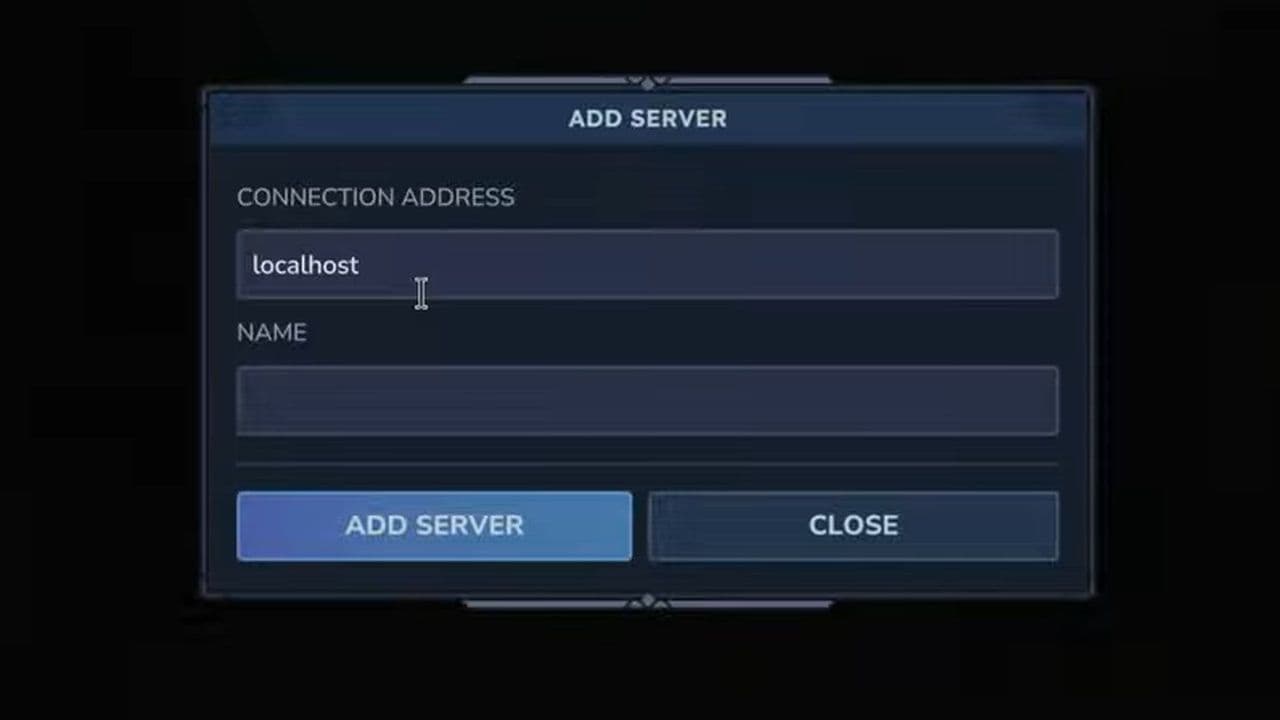
- Enter the correct address
- If you are joining from the same PC that is hosting the server, type: localhost
- If you are joining from a different PC (or testing public access), type your server’s IP address (include port if required), for example: 123.45.67.89:5520
- Press Connect and wait for the world to load.
Can’t you join Hytale servers?
If you’re having trouble learning how to join servers on Hytale, these are the most common reasons:
- Incorrect server address: Server IPs and ports must be exact. Copy and paste the full address (example: play.example.com:5520) to avoid mistakes.
- Server offline: You cannot join if the server is shut down, restarting, or under maintenance. Wait and try again later.
- Connection timeout: This usually means your internet is slow or unstable. Restart your router and make sure Hytale is allowed through your firewall.
- Version mismatch: Your game version must match the server version. Update your game from the launcher before trying again.
- Friend not hosting properly: If you’re joining via share code, the host must be online and actively hosting the world. Ask them to resend the code if needed.
- Firewall or antivirus blocking: Security software can block the connection. Add Hytale as an allowed app in your firewall and antivirus settings.
- Server full: Some servers have player limits. Wait for a free slot or try joining later.
If your problem continues, restart the game and try reconnecting.
Hytale server types
Understanding the different server types helps you choose the best option for your needs, whether you want to play privately with friends or join large public worlds.
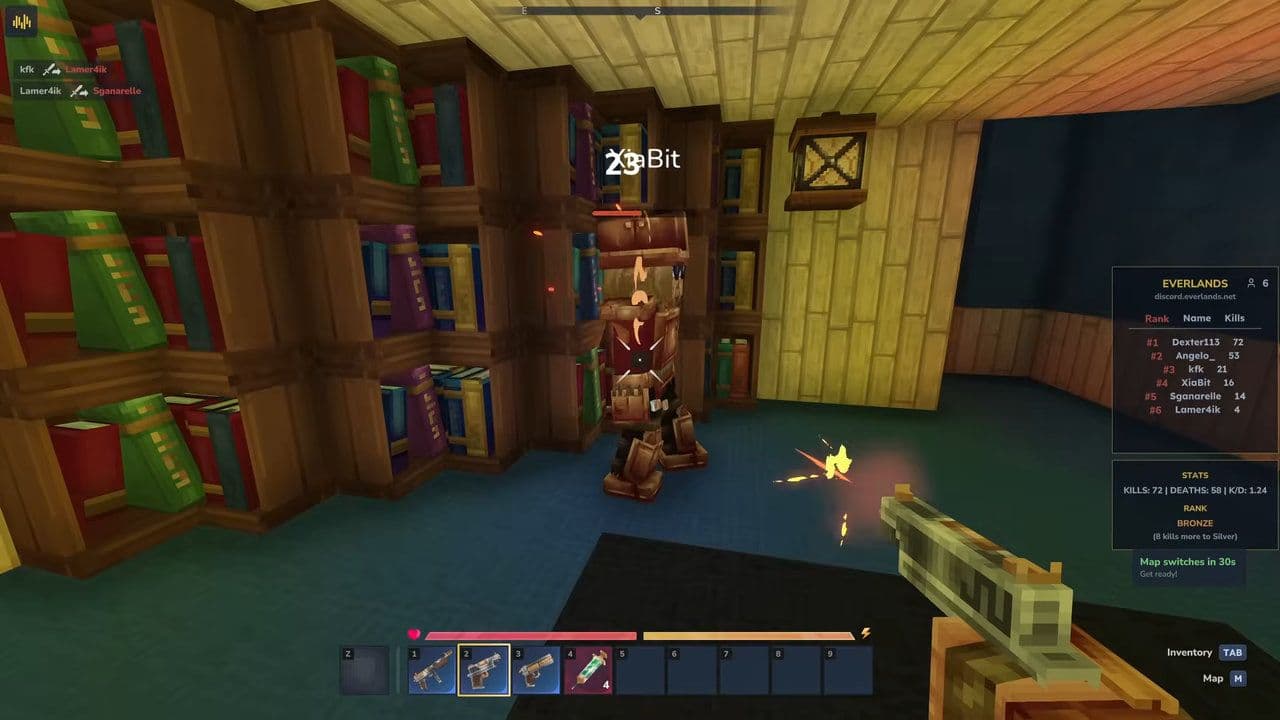
Now you know how to join servers on Hytale using the three main methods: share codes, Direct Connect, and saving servers. As long as you have the correct server address or code, an updated game, and a stable internet connection, joining a server only takes a few seconds. If something goes wrong, most issues can be fixed by checking the server status, verifying the address, or updating your game.
Multiplayer is a huge part of Hytale, and joining servers opens the door to custom worlds, adventures, and community experiences. Once you connect to your first server, you’ll be able to explore, build, and play with others without limits.
That’s all for today! Looking for more? Check out these:
All Related Guides
 Best Hytale plugins and how to create yoursExplore the best Hytale plugins for servers, from permissions and shops to NPCs, kits, performance tools, and ...
 Meet the Hytale Pokemon mod Pokefind: Release date, gameplay and moreGet the latest details on the Hytale Pokemon mod Pokefind, including gameplay plans, server support, release s...
 Can you create an infinite water source in Hytale?Learn if a Hytale infinite water source is possible, why the 2x2 trick fails, and which mods can help you get ...
 Who is The Hedera in Hytale Endgame & QoL mod and how to defeat itFind out how to reach and defeat The Hedera in Hytale Endgame & QoL mod, including boss phases, best prep, and...
 How to heal in Hytale (Food, potions, totem & more)How to heal in Hytale: food, potions, totem, regen buffs, best methods, and full survival guide explained....
 Hytale Update 4 (Part 5): What’s new?Hytale Update 4 Part 5 adds 500+ new blocks, system upgrades, bug fixes, and major improvements before full re...
 All Hytale signs & how to craft themDiscover all 29 Hytale signs, their crafting recipes, and how to use them. Learn sign mechanics, placement tip...
 When will Hytale fully release? (2026 update)When will Hytale fully release? Learn the expected 2026–2027 timeline, Early Access plans, and what must happe...
- 1
- 2
- 3
- 4
- 5
- 6
- 7
- 8