How to get Fortnite Sprite Dust: Admin panel codes, Loot Hacks & more
Free Dust for your Sprites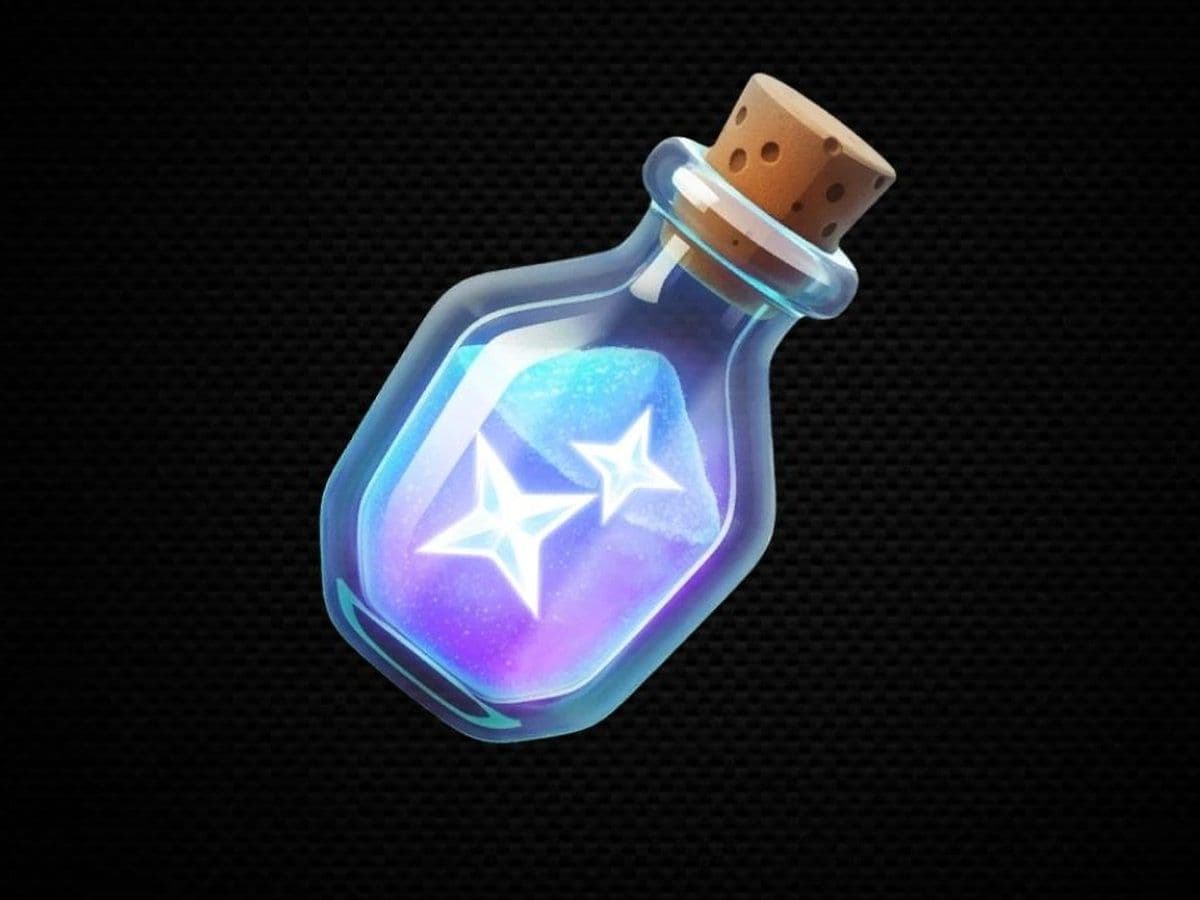
Fortnite Sprite Dust is one of the main currencies behind the Sprite system in Chapter 7 Season 4: Override. You can use it to summon previously collected Sprites and customize your Battle Royale loot through Loot Hacks, making it worth saving if you're hunting rare Sprite variants.
You can earn Sprite Dust through Sprite progression, but Override also introduced an easier starting point: Sprite Dust codes in Fortnite. Five current Admin Panel codes give 10,000 Sprite Dust in total, letting you build a useful balance before even entering a match.
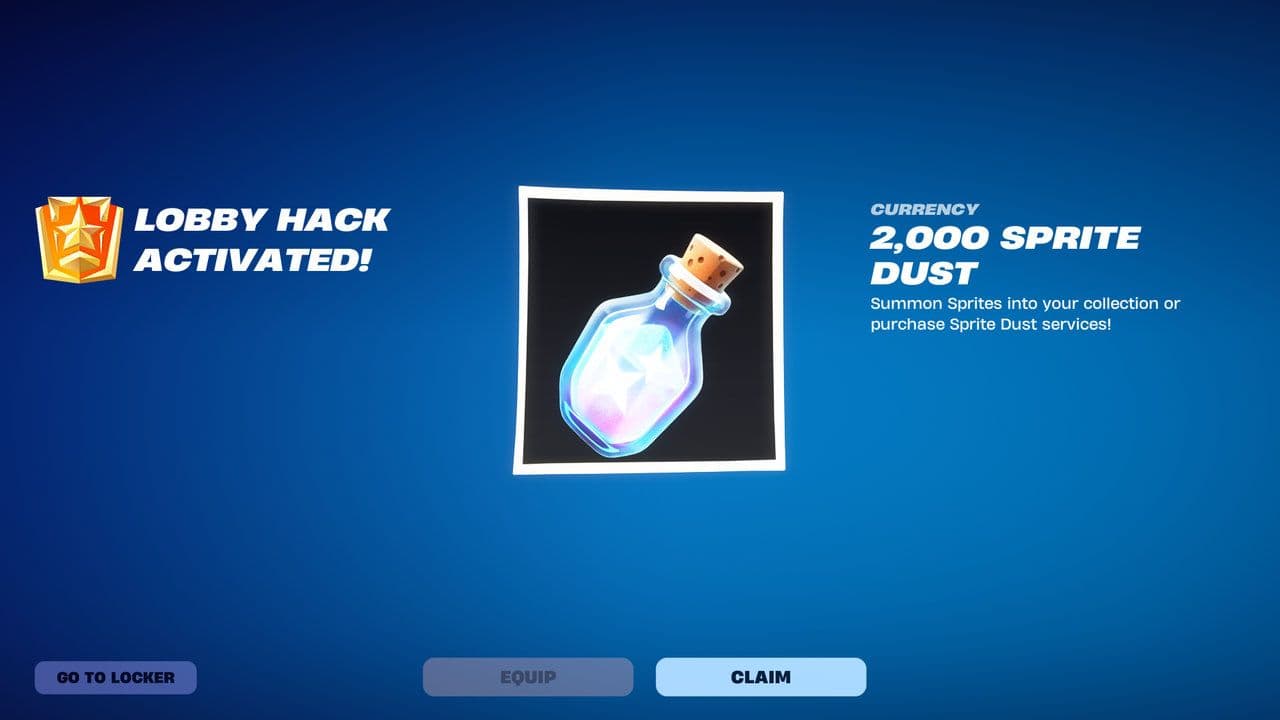
Here's how to get Sprite Dust in Fortnite, all working Sprite Dust codes, what the currency does, and how much you'll need to resummon different Sprite rarities.
What is Sprite Dust in Fortnite?
Sprite Dust is a Fortnite currency used primarily for Sprites and Loot Hacks.
It originally appeared during Chapter 7 Season 3: Runners alongside Fortnite's expanded Sprite collection system. Override brought Sprite Dust back while giving the currency another major use.
You can currently spend Sprite Dust on:
- Summoning previously collected Sprites
- Unlocking and configuring Loot Hacks
- Resetting your Loot Hack configuration
Loot Hacks are particularly important in Override. They let you customize the bonus items that can appear from Chests you personally open, including loot that isn't normally available from those Chests.
That means spending all your Dust on Sprite summons isn't necessarily the best move anymore.
How to get Sprite Dust in Fortnite
There are several ways to get Sprite Dust during Override.
Redeem Sprite Dust codes
The quickest method is redeeming the current Fortnite Admin Panel codes.
All Sprite Dust codes in Fortnite
Lobby Hacks can award several types of rewards, including Sprites, XP, Gizmos, cosmetics, and Sprite Dust. Five current codes specifically give 2,000 Sprite Dust each, providing 10,000 Dust altogether.
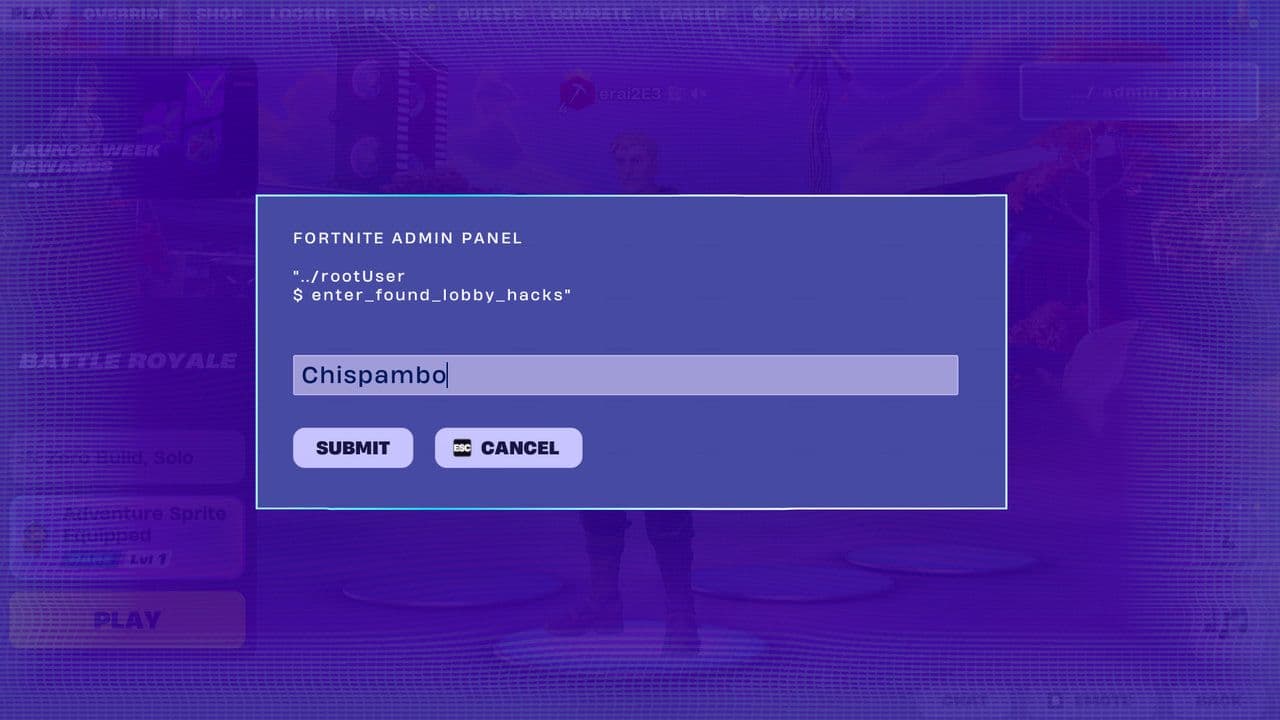
You can check all Fortnite admin console codes here.
How to redeem Fortnite Sprite Dust codes
These are Lobby Hack codes, so you need to enter them through the Admin Panel rather than a Cheat Code panel during Battle Royale.
- Launch Fortnite.
- Select Battle Royale.
- Find the Admin Panel option in the lobby.
- Open the Admin Panel using the displayed button prompt.
- Enter one of the Sprite Dust codes exactly as shown.
- Submit the code to receive Sprite Dust.
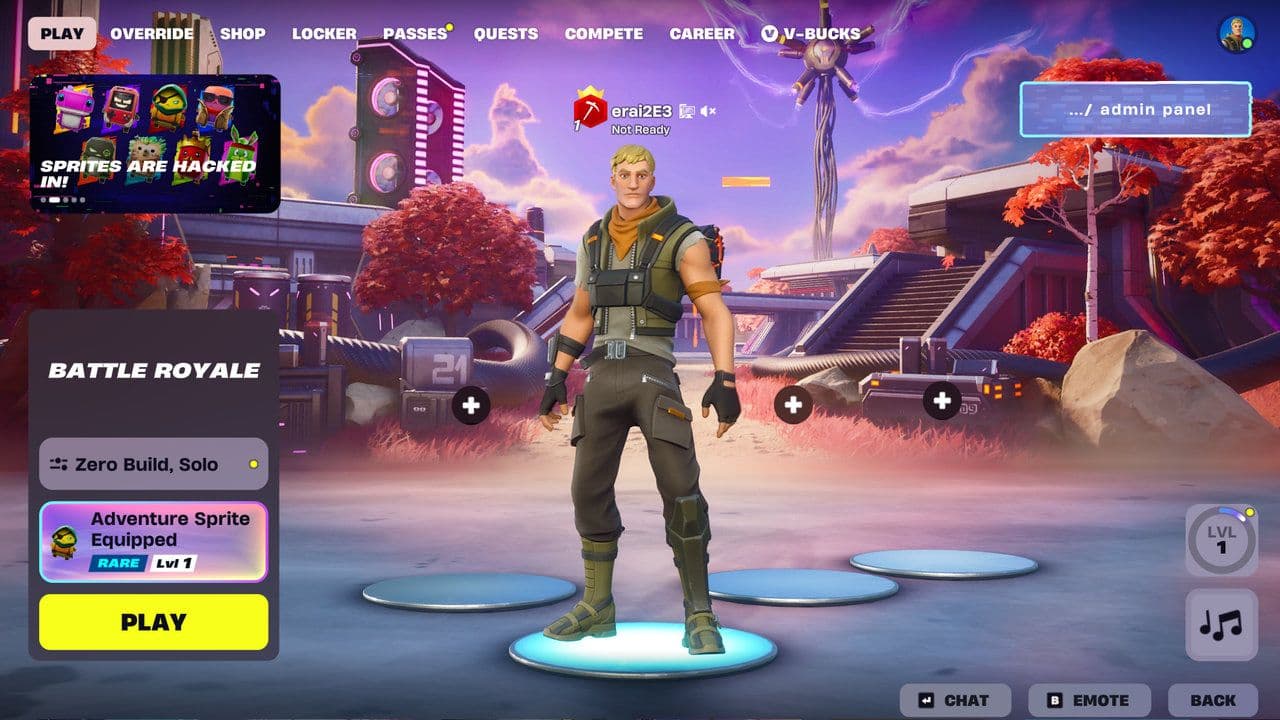
Each of these reward codes works once per account.
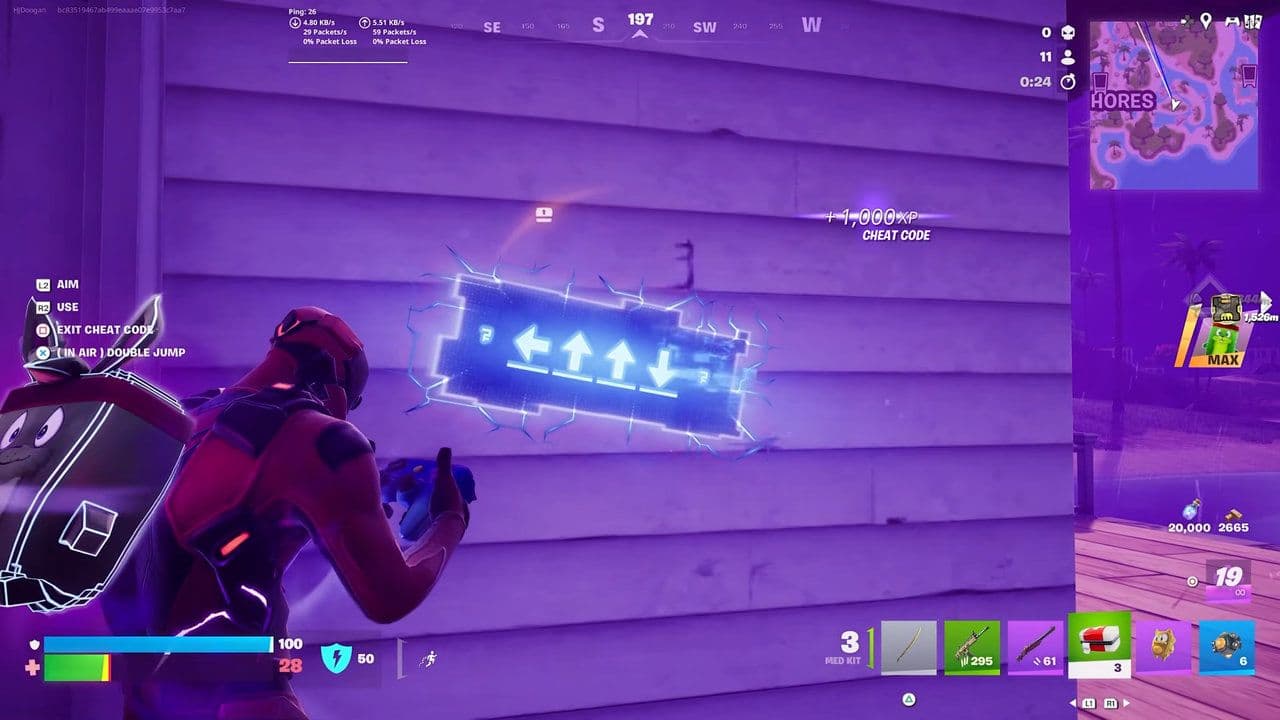
Don't confuse them with Override's Cheat Codes. Those are directional sequences found around the Battle Royale Island and are used to release Sprite allies.
Collect and master Sprites
Sprite progression can also provide significant amounts of Dust.
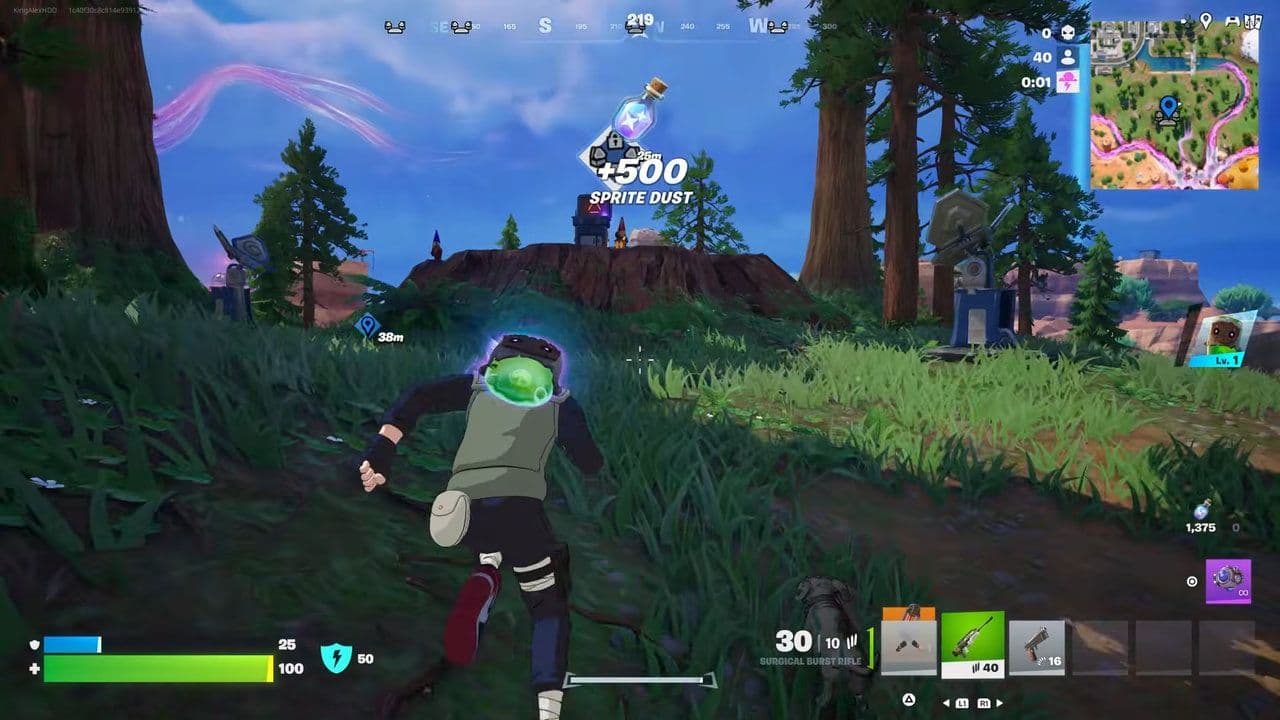
For example, Epic currently confirms that mastering 23 Sprites rewards 15,000 Sprite Dust.
That makes working through Sprite Mastery another worthwhile source beyond one-time Lobby Hack codes.
How much Sprite Dust does it cost to summon Sprites?
Sprite summon costs depend on rarity. The rarer the Sprite or variant, the more Dust you'll need.
Override reduced the Sprite Dust cost of summoning rare Sprites and variants, making it easier to bring valuable members of your collection back into Battle Royale.
The table also shows why the 10,000 free Sprite Dust from Admin Panel codes matters. That's enough for a Special Legendary summon, two Legendary summons, or several lower-rarity Sprites.
How to use Sprite Dust to resummon a Sprite
Once you've secured a Sprite in your collection, Sprite Dust lets you bring it back for another match rather than finding another copy.
- Open your Sprite Collection before entering Battle Royale.
- Select a Sprite you've already collected.
- Choose Summon.
- Hold the Summon button.
- Pay the displayed Sprite Dust cost.
- Enter your next match with the Sprite available.
Override also reduced the amount of time you need to hold the Summon button, making resummoning quicker than before.
For expensive variants, check your Dust balance before spending on anything else.
What are Fortnite Loot Hacks?
Loot Hacks are Override's other major use for Sprite Dust.
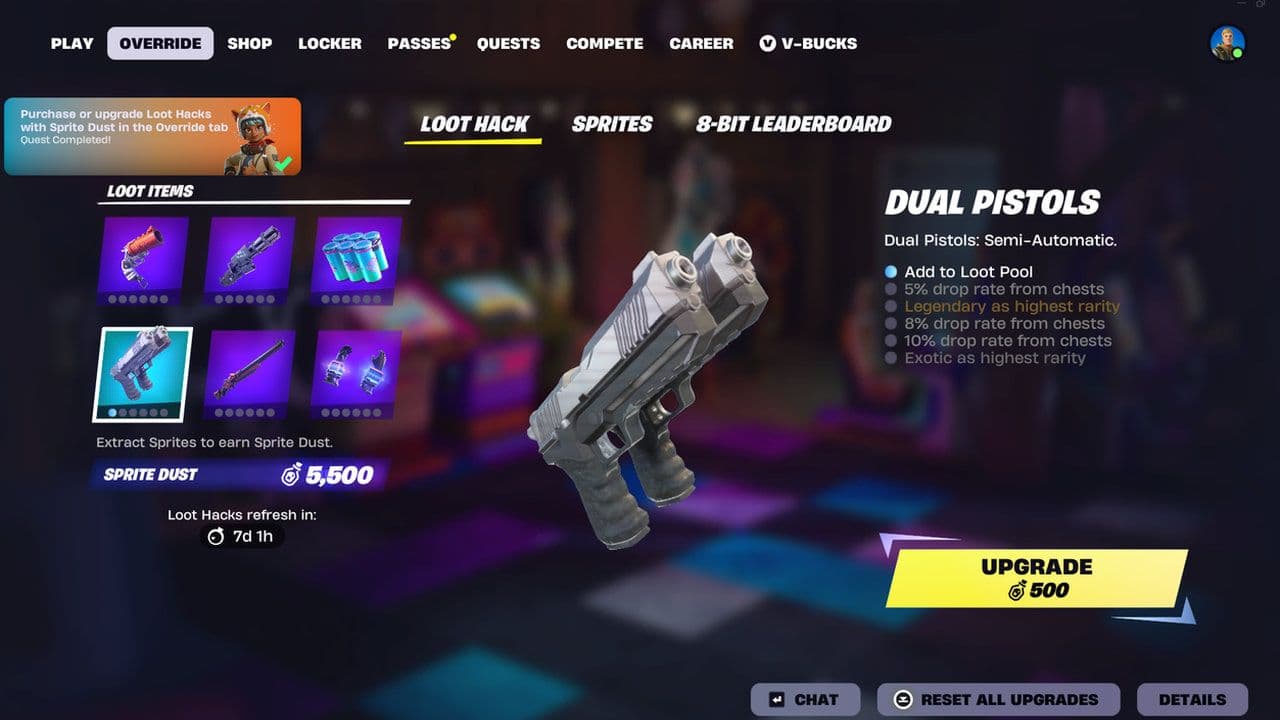
Epic describes Loot Hacks as a way to customize what drops from Chests you open in Battle Royale. Spending Dust can add bonus items to your personal Chest loot pool, including items unavailable through ordinary Chest drops.
This creates a genuine choice for Sprite collectors.
If you're carrying a rare Sprite you regularly resummon, keeping enough Dust to replace it may be more useful than immediately investing everything into Loot Hacks. If you're satisfied with your Sprite collection, putting excess Dust toward better Chest possibilities makes more sense.
Did Fortnite reset Sprite Dust in Season 4?
Yes. Season 3 Sprite Dust did not carry into Override.
Epic reset the seasonal Sprite economy when Chapter 7 Season 4 introduced its new generation. Your old collected Sprites weren't simply erased—they're preserved through Fortnite's collection systems and the new Sprite Garden—but your previous Sprite Dust balance wasn't carried forward.
Is Fortnite Sprite Dust worth saving?
Yes, particularly once you start collecting higher-rarity Sprites. A Special Mythic costs 12,000 Sprite Dust to summon, so the currency disappears quickly at the top end.
Claim H0p0nVC, Magilume, Perlimpinpin, Chispambo, and Abgestaubt first for 10,000 free Sprite Dust, then build your balance through Sprite progression. With Dust now competing between Sprite summons and Loot Hacks, keeping a reserve for your favorite Sprite is usually the safest move.
That’s all for today! Looking for more Fortnite guides? Check out these:
- All Fortnite bosses & how to defeat them
- What are Accolades in Fortnite and how to get them
- Best Fortnite map codes with additional bonus maps
- How to start a custom game in Fortnite: Private 1v1, errors and fixes
- How to disable simple edit in Fortnite (PC, PlayStation, Xbox, Nintendo Switch, and mobile)
All Related Guides
 How to drive cars in Fortnite: Vehicle controls & moreLearn how to drive cars in Fortnite with PC, PlayStation, and Xbox controls, vehicle locations, steering tips,...
 How to hide Sprites in Fortnite and show your Back BlingLearn how to hide Sprites in Fortnite, display your Back Bling instead, change Sprite visibility settings, and...
 How to carve pumpkins in Fortnite: Locations and quest guideLearn how to carve pumpkins in Fortnite, find all quest locations at Nightmare Neighborhood and Wonkeeland, an...
 Fortnitemares 2026: Release date, collabs, skins, map changes & moreDiscover Fortnitemares 2026, including its release date, FNAF crossover, Halloween skins, rumored collabs, Hor...
 Fortnite x FNAF: Release date, skins & everything we knowFortnite x FNAF arrives October 1 for Fortnitemares 2026 with Freddy, Bonnie, Chica, Foxy, Fazbear's Pizzeria,...
 Fortnitemares 2026: Release date, collabs, skins, map changes and moreFortnitemares 2026 starts October 1 with FNAF, major collabs, new skins and more. Here's what's confirmed, lea...
 How to get better at building in Fortnite fastLearn how to get better at building in Fortnite with practical drills for edits, 90s, boxing, tunneling, piece...
 4 ways to update Fortnite on mobileLearn 4 ways to update Fortnite on Android, iPhone and iPad through Epic Games Store, Google Play and the App ...
- 1
- 2
- 3
- 4
- 5
- 6
- 7
- 8
- 9
- 10
- 11
- 12
- 13
- 14
- 15
- 16
- 17
- 18
- 19
- 20
- 21
- 22
- 23
- 24
- 25
- 26