Minecraft Cluttered Mod: What is it, how to install, play, craft and more
A Minecraft mod worth getting.
Minecraft is well known for its freedom to build, yet the game has few options for furniture and decoration. Many players want to make their houses, libraries, and rooms look more detailed, but the base game does not allow much variety. Mods often resolve this issue by introducing new blocks and items. One of the most popular decoration mods is the Cluttered mod, which gives players more control over how their worlds look.
What is the Cluttered mod in Minecraft?
The Cluttered mod is a fan-made project that expands Minecraft with new decorative and functional items. Unlike other mods like ProjectE, Waifucraft, or Werewolves, it introduces furniture, shelves, paintings, and small details that help players design unique spaces. Unlike some mods that only work in creative mode, Cluttered is compatible with survival mode. Every item has a recipe and can be made with common resources.
The design of the mod is inspired by other games such as Animal Crossing, The Sims 4, Terraria, and Starbound. The goal is to make Minecraft interiors more creative and realistic. The developer continues to update the mod, which means new furniture and objects appear in later versions. With new decorations and furniture, you can easily come up with some of the best house ideas!
Features of the Minecraft Cluttered mod
The strength of the Cluttered mod is the wide range of blocks and items it adds. Some examples include:
- Chairs, tables, and cupboards
- Cabinets and working storage furniture
- Decorative shelves and bookshelves
- Paintings and wall decorations
These items are more than decoration. Storage furniture works like chests, so players can organize their items. Bookshelves contribute to enchanting power and can be utilized in enchantment setups. Beds keep their respawn function, and in some versions you can sit on the chairs.

How to download and install the Cluttered mod
Installing the Cluttered mod is simple. Players only need to follow a few steps:
- Check the Minecraft version. Cluttered works with versions such as 1.20.1.
- Install a mod loader. The mod supports both Forge and Fabric.
- Download the mod from trusted sites like CurseForge or Modrinth.
- Place the downloaded .jar file in the mods folder inside the Minecraft directory.
- Open Minecraft with Forge or Fabric selected and confirm that the mod loads.
It is important to pick the right version of the mod for your setup. Using an older file can cause missing features or crashes. Always download from official sources to avoid unsafe files.

How to craft and use Cluttered mod items
Every object in Cluttered can be crafted in survival mode. The recipes are logical and often based on existing Minecraft patterns. Wood, stone, and other simple materials are the main resources. For example, a cupboard recipe may use planks and doors, while bookshelves follow a structure close to the vanilla version.
Once crafted, the items can be placed and used like normal blocks. Storage furniture lets players store and manage resources. Cluttered bookshelves give enchanting power, so they fit well in functional libraries. Beds can be used as respawn points, and chairs may allow sitting in certain versions. This makes the mod practical while also helping players design detailed builds.
Minecraft versions and compatibility
The Cluttered mod works with both Forge and Fabric, which makes it flexible for most players. The latest release supports Minecraft 1.20.1, though older builds exist for earlier versions.
Some features depend on which loader is used. For example, the ability to sit in chairs may not always work in Fabric. Updates from the developer continue to improve compatibility and add new functions. The mod is also lightweight, so it runs well with other decoration mods, though players should check for recipe overlaps when using large modpacks.

Troubleshooting common problems
Players may face issues when first using the Cluttered mod. Some common problems include:
- Chairs not working – This happens mostly in Fabric builds. Switching to Forge often fixes it.
- Visual glitches – Furniture sometimes shows strange shading. Turning off Smooth Lighting usually solves this.
- Mod not loading – This is often caused by using the wrong version of the mod or loader. Updating Forge or Fabric and re-downloading the latest file usually helps.
- Server issues – The mod works in multiplayer, but both server and client must have it installed to run without errors.
Most issues have simple solutions. Keeping both Minecraft and the mod updated reduces the chance of errors.
The Cluttered mod is one of the best choices for players who want more decoration and detail in Minecraft. It has furniture and objects that look great in the game. The mod runs smoothly on recent versions, supports both Forge and Fabric, and continues to grow with new updates.
More Minecraft pieces for you:
- Minecraft Serene Seasons Mod: A deep dive into seasonal dynamics and gameplay
- Here is a closer look at the free Japanese government Minecraft map
- Minecraft Movie's Post-Credits Scene: Implications for the Minecraft Universe
- Minecraft blast furnace recipe: How to make a blast furnace in Minecraft
- How to make a stone cutter in Minecraft: Complete recipe
Featured Image Credit: Minecraft Cluttered Mod
All Related Guides
 Top 5 Minecraft 26.1 seeds you must try todayFind the best Minecraft 26.1 seeds for villages, rare biomes, island survival, and creative builds, with seed ...
 How to turn on keep inventory in MinecraftUse the correct Keep Inventory command in Minecraft and learn how it works across Java, Bedrock, servers, and ...
 How to breed tropical fish in MinecraftCan you breed tropical fish in Minecraft? Here is the clear answer, plus how to catch, move, and use tropical ...
 Minecraft Chaos Cubed guide: Everything new in the 2026 updateExplore everything new in Minecraft Chaos Cubed, including Sulfur Caves, Sulfur Cubes, geysers, new blocks, co...
 How to change render distance in MinecraftChange render distance in Minecraft with simple steps for Java and Bedrock, plus tips to balance better visibi...
 How to grow mangrove trees in MinecraftFind out how to grow mangrove trees in Minecraft with simple steps, growth requirements, farming tips, and com...
 How to craft a name tag in MinecraftLearn how to craft a name tag in Minecraft, how to use it with an anvil, and why it matters for pets, mobs, an...
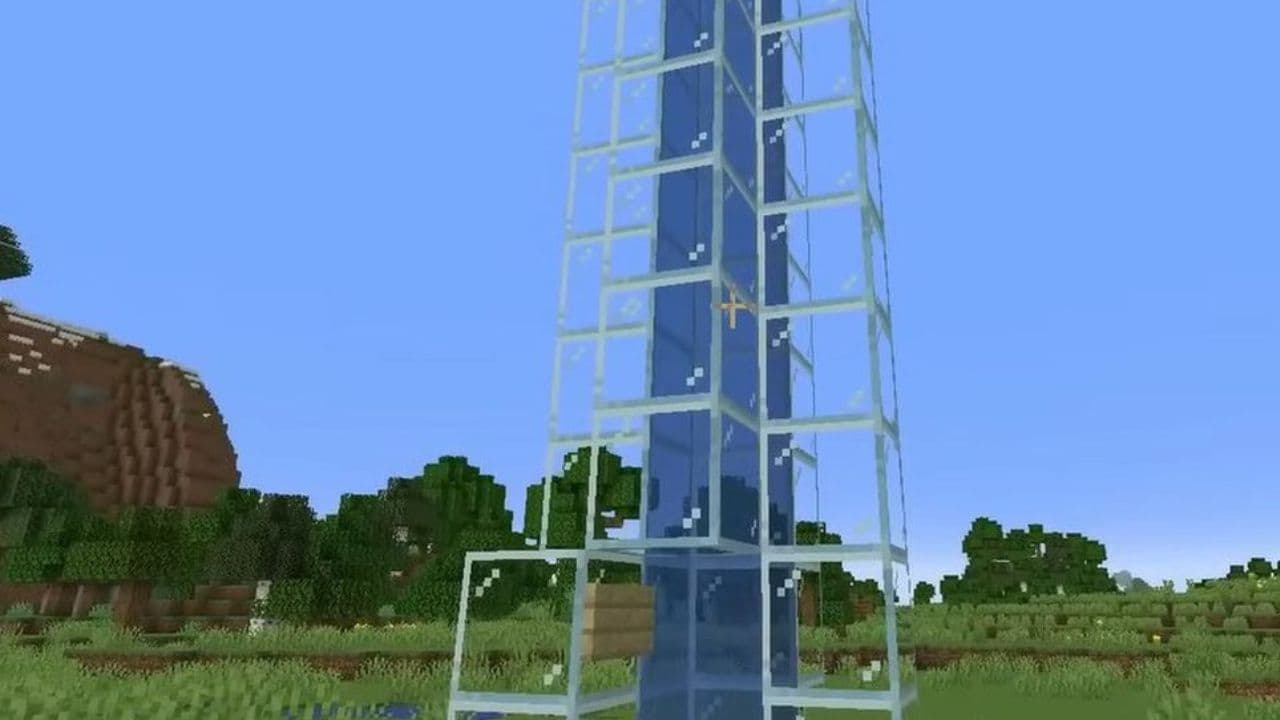 Here is how to make a water elevator in MinecraftHere’s how to make a water elevator in Minecraft, including the materials you need and why your bubble column ...
- 1
- 2
- 3
- 4
- 5
- 6
- 7
- 8