How to defuse the bomb in CS2 and what to do if you can’t defuse it
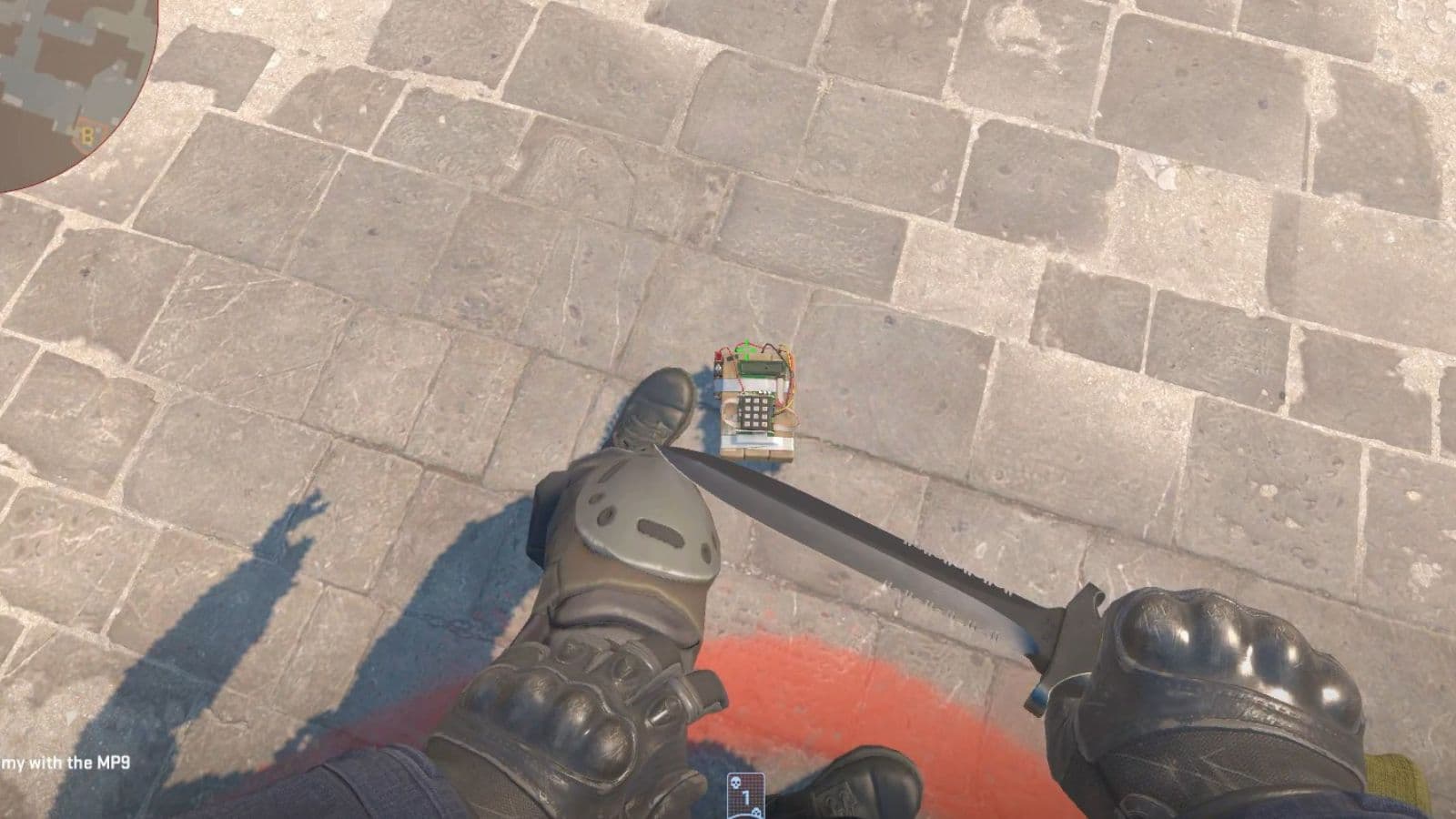
Even though the Counter-Strike journey took a huge turn after Global Offensive, many things stayed the same, including bomb mechanics. New players often lose rounds not because they miss shots, but because they do not know the exact input, the timing, or the reason the interaction sometimes fails. The good news is that bomb defusal in CS2 is simple once you know the basics. In this guide, we explain how to defuse the bomb, what to do if you can’t defuse it, and other details about the mechanics!
How to defuse bomb in CS2
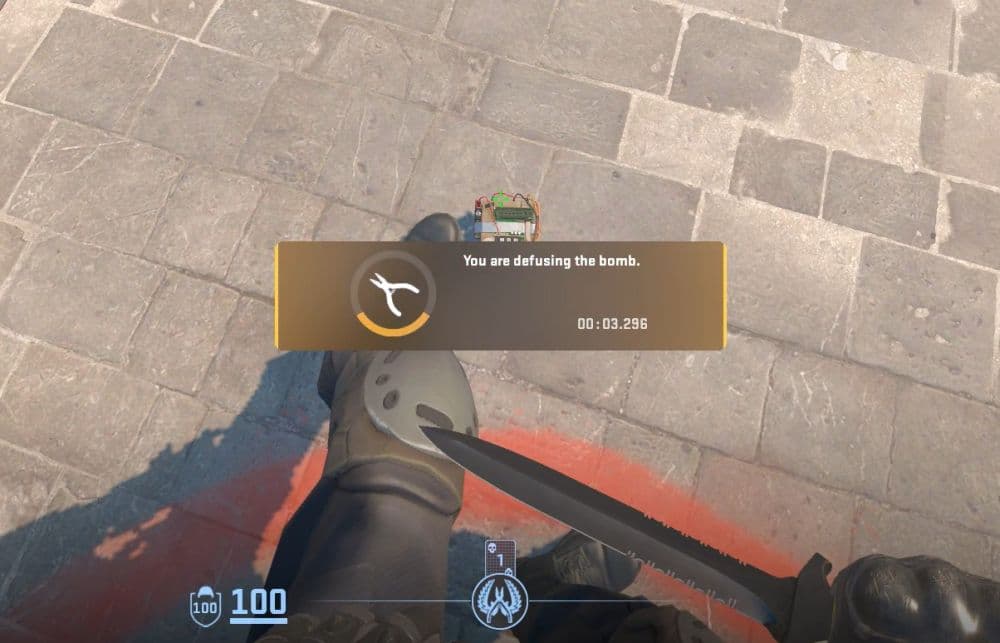
To defuse the bomb in CS2, you need to walk up to the planted C4, face it from close range, and hold the Use key. For most players, that key is E by default. You must keep holding the key until the full defuse finishes. If you stop early, move away, or get interrupted, the defuse cancels and you must start again.
Here is the basic process:
- Clear the area as much as possible.
- Move right next to the bomb.
- Aim at the bomb from close range.
- Hold the Use key.
- Keep holding until the defuse completes.
If the defuse finishes before the bomb explodes, the Counter-Terrorists win the round. In practice, this means timing matters as much as positioning. This is very important information, especially in matches that affect your rating or rank.
You can also perform other actions while defusing the bomb, like throwing a flash or reloading your weapon.
What does the code 7355608 mean?
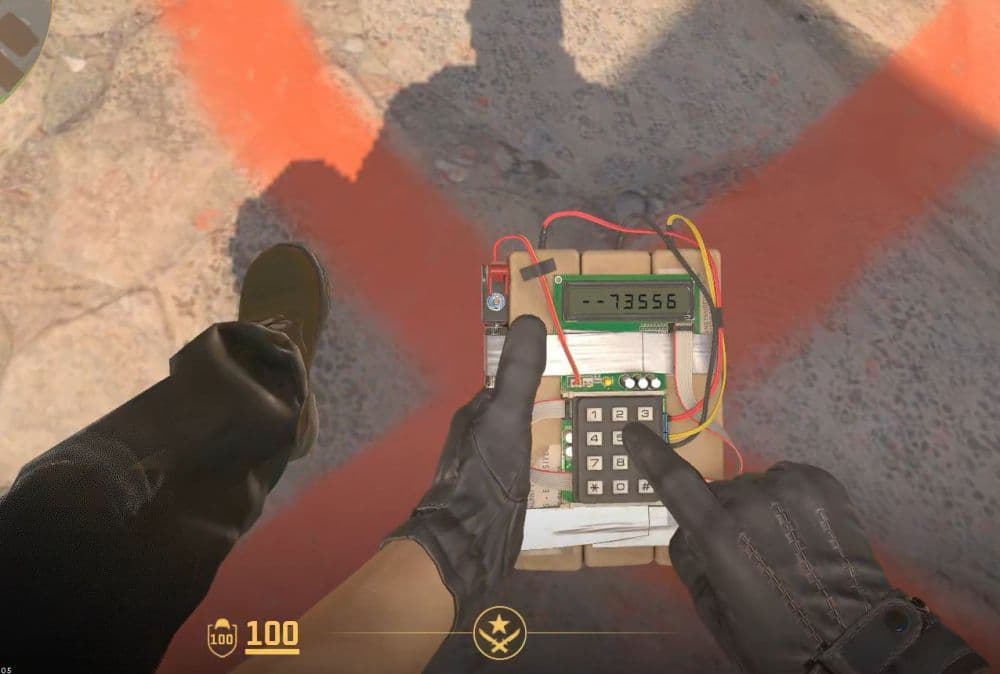
The code 7355608 is the famous number sequence tied to the Counter-Strike bomb. It is part of the series’ identity, but there is no widely confirmed official explanation from Valve. Most players know it as a long-running in-game code, while the popular community theory links it to stylized text or old calculator-style wordplay.
That is a well-known theory, but there aren’t any sources approving that, so it is more of a fan interpretation ratchet than confirmed game lore.
How long is the bomb defuse in CS2?
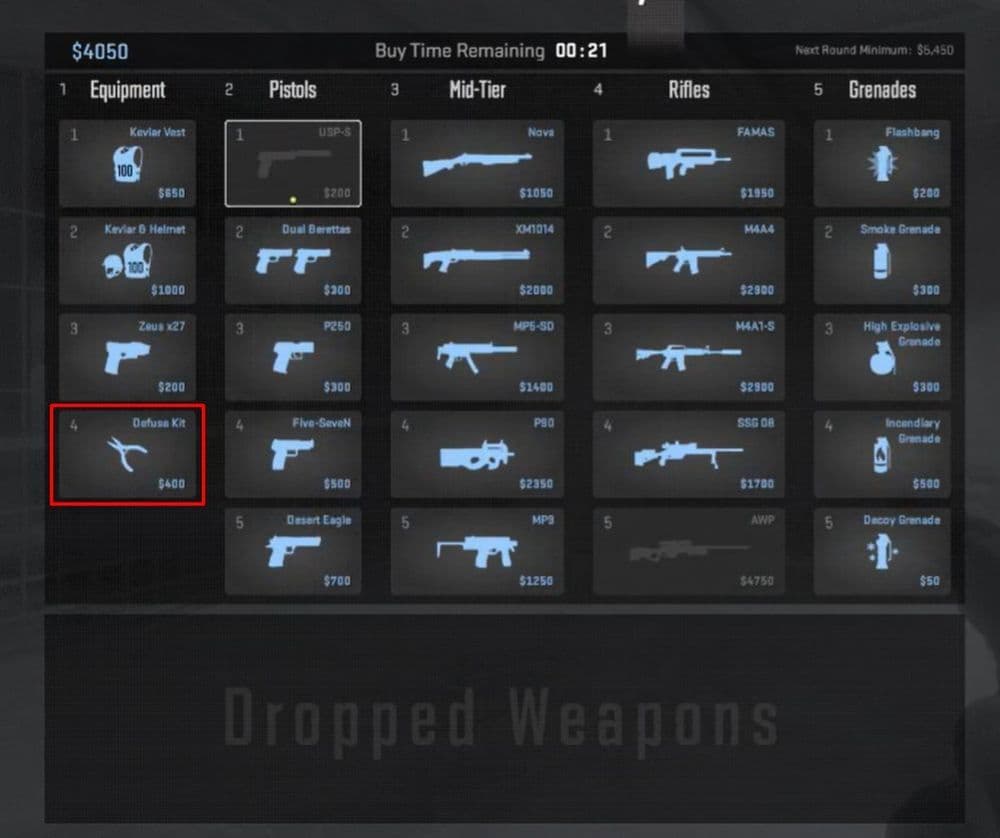
As for timing, the normal bomb defuse takes 10 seconds without a kit. If you have a defuse kit, the time drops to 5 seconds. That is why kits are so important on the CT side. A planted bomb also runs on a 40-second timer, so the difference between 10 and 5 seconds can completely change whether a round is still winnable.
Why can't I defuse in CS2?
Most failed defuses come from small setup or positioning problems, not from the bomb itself. If the interaction does not start, one of the issues below usually explains it.
You are not close enough to the bomb
CS2 requires you to be close enough for the interaction to register. If you stand too far away or look away from the bomb, the game may not start the defuse.
How to fix it: Move right next to the bomb, face it clearly, and hold the Use key again.
Your Use key is changed or unbound
Some players rebind keys and forget about it later. If E does nothing, your Use command may be on another key.
How to fix it: Open your settings and check the keybind for Use. Restore it if needed.
You released the key too early
A bomb defuse in CS2 is not a tap interaction. You need to keep holding the button for the full duration.
How to fix it: Hold the key until the defuse fully completes. Do not let go early.
You got interrupted
Enemy pressure is one of the main reasons defuses fail. If you move, die, or lose control of the interaction, the defuse stops.
How to fix it: Ask for cover, use utility if possible, and only stick the defuse when the timing makes sense.
Why a defuse kit is important in CS2?
A defuse kit cuts the defuse time from 10 seconds to 5. That is a huge difference in late-round situations. It gives you more room to clear angles, survive post-plant pressure, and still finish the round.
For many CT rounds, a kit is essential but you should always be careful with maintaining your economy for further rounds. Always communicate with your team, and in eco rounds, try to buy one or two kits, so that you can have a better chance of defusing the bomb before it detonates.
Here are more CS2 guides:
- Everything about CS2 workshop map 1v1 commands
- Best CS2 aim training maps that can really improve your skills
- CS2 jumpthrow bind
- All CS2 roles and positions: How to play and improve each
- Explained: Best CS2 surf servers & maps
Featured Image Credit: THESPIKEGG
All Related Guides
 donk crosshair CS2: Current code and how to copy itWant to try donk’s crosshair in CS2? Check the current donk crosshair CS2 code and see how his setup works....
 How to change the HUD color in CS2Change your HUD color in CS2 with a few quick steps. See the available colors, command values, and which choic...
 How to make CS2 look like CSGOMiss the old CS:GO visuals? This guide explains how to adjust CS2 graphics, brightness, colors, HUD, and weapo...
 How to bind mousewheel to jump CS2Find the best CS2 mousewheel jump bind commands, learn how to set them up, and see how scroll jumping can supp...
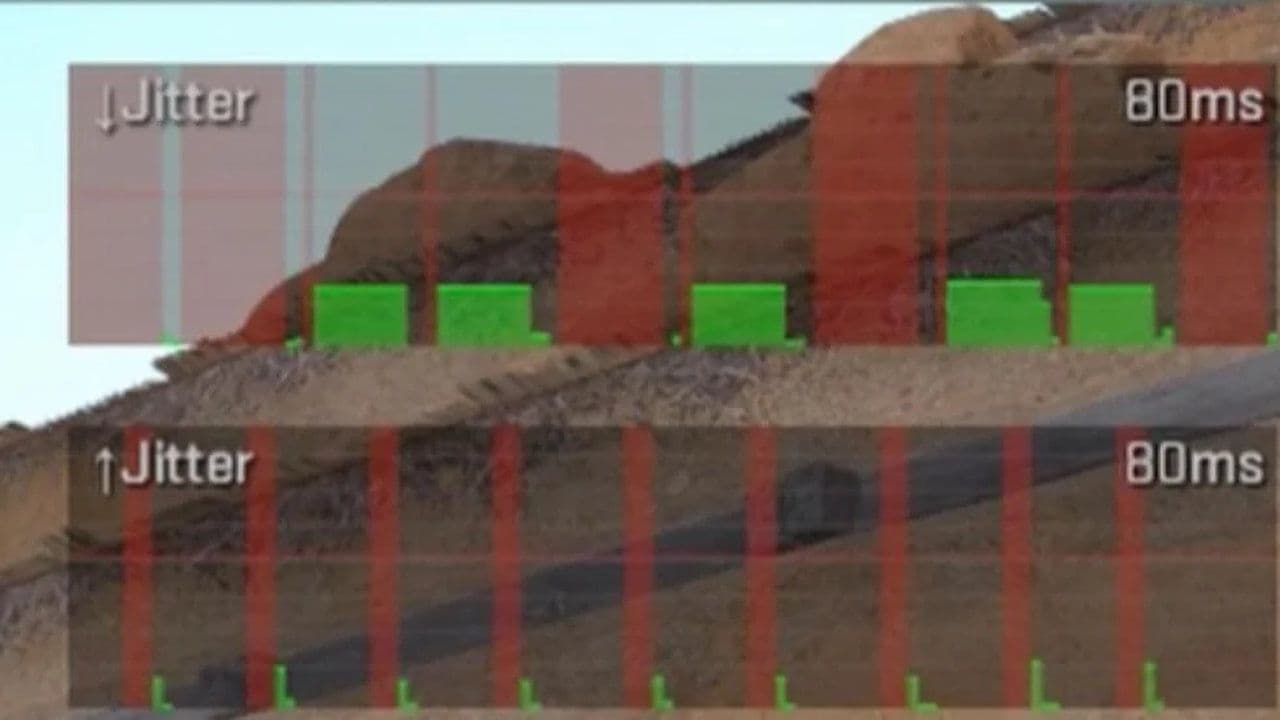 How to fix net jitter in CS2: Best solutions for packet loss, lag & rubberbandingLearn how to fix net jitter in CS2 with the best solutions for packet loss, lag, rubberbanding, and unstable c...
 How to scrape stickers in CS2Want to remove stickers in CS2? Here’s how scraping works, what it changes, and why full removal is permanent....
 ropz CS2 settings: Crosshair, viewmodel, and moreCopy ropz CS2 settings for mouse, crosshair, viewmodel, video, and radar, then adjust them to match your own a...
 How to remove screen shake in CS2How to reduce screen shake in CS2 using console commands, viewmodel settings, graphics tweaks, and autoexec co...
- 1
- 2
- 3
- 4