Fortnite STW register: Guide to play Fortnite Save the World free
Save the World free access guide
If you want to play Fortnite Save the World, you need to complete the Fortnite STW register process first. Save the World (STW) is the original PvE mode of Fortnite where players fight monsters, build defenses, and complete story missions with friends.
This guide explains everything step-by-step, including account creation, Save the World registration, and how to access Save the World.
Quick reminder: What is Fortnite Save the World (STW)?
Fortnite Save the World (STW) is a cooperative player-versus-environment (PvE) game mode developed by Epic Games. Unlike Battle Royale, this mode focuses on story missions and teamwork.
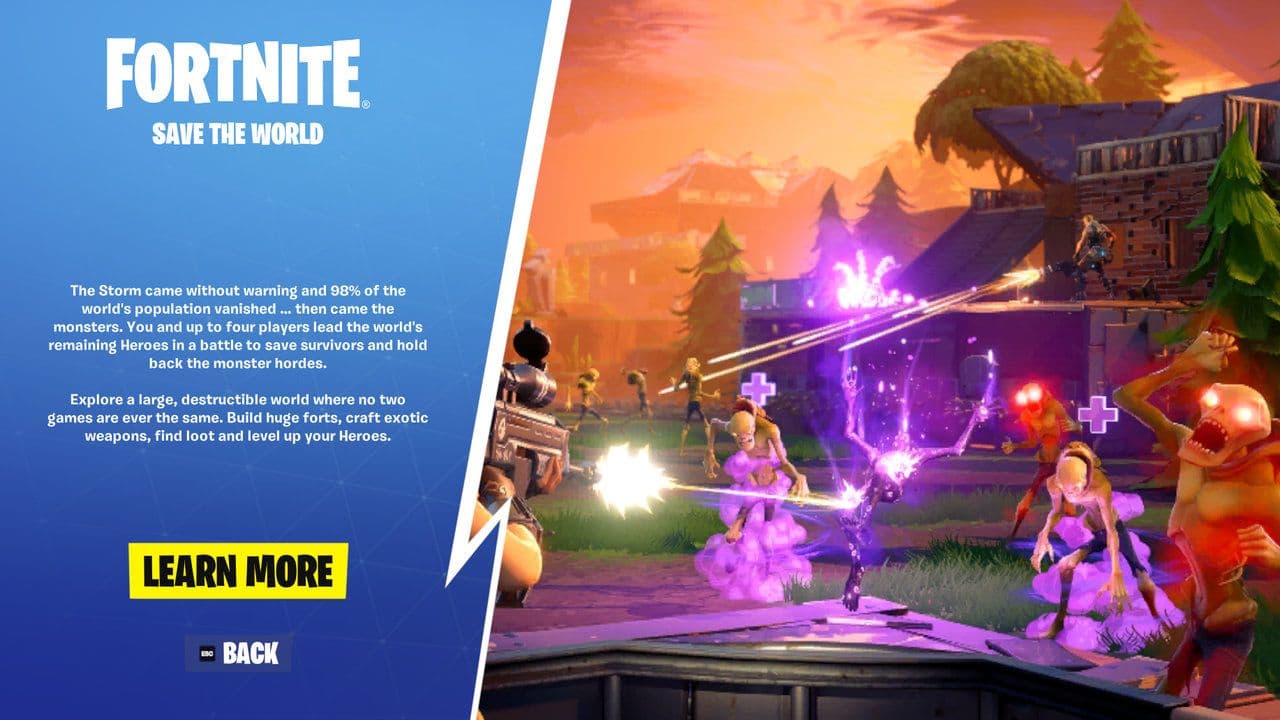
In Save the World, players must:
- Fight enemies called Husks
- Build forts and defenses
- Complete missions with teammates
- Gather materials and craft weapons
- Upgrade heroes and traps
The game combines third-person shooting, tower defense, and survival gameplay.
Players can play missions alone or with up to four players in a team.
Is Fortnite Save the World free?
Originally, Save the World required a purchase through a Founder's Pack or STW bundle. However, Epic Games has announced plans to expand access and allow more players to experience the mode.
Completing the Fortnite STW register is the first step to playing Fortnite Save the World.
Fortnite STW register process explained
If you want to access Fortnite Save the World when it becomes free-to-play, you need to complete the Fortnite STW register process. Pre-registering links your Epic Games account to the Save the World launch and ensures you are ready to play once the mode becomes available. Here is how:
- Go to the Fortnite Save the World registration website.
- Click the “Register” button on the page.
- In the pop-up window, click “Register” again to confirm.
- Sign in to your Epic Games account (or create one if needed).
- On the final pop-up, click “Let’s Go” to complete the Fortnite STW register process.
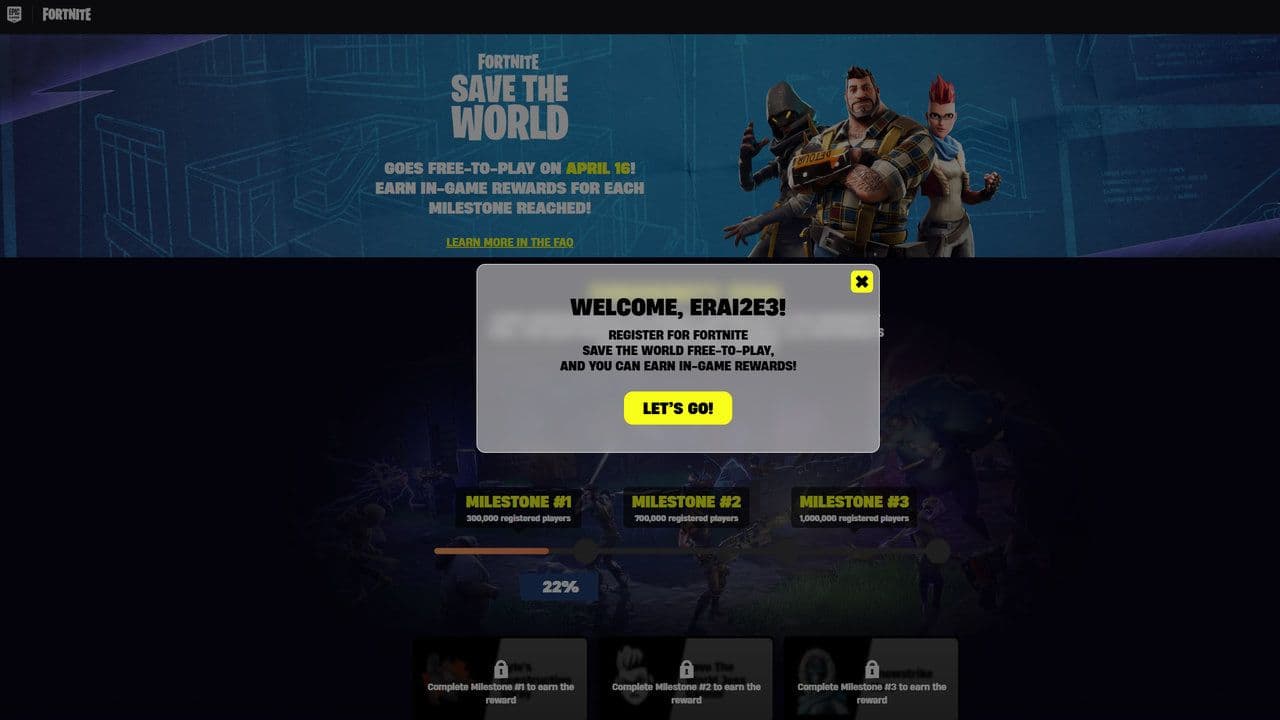
After completing the Fortnite STW register, your Epic Games account will be added to the Save the World pre-registration list.
How to access Save the World after registration for free
Fortnite Save the World is not free yet. The free version hasn’t launched yet, which is why the Fortnite STW register process currently exists as pre-registration, not immediate access.
Right now:
- Save the World still requires purchase if you want to play immediately.
- You can buy access through a Save the World pack or quest pack in the Fortnite shop.
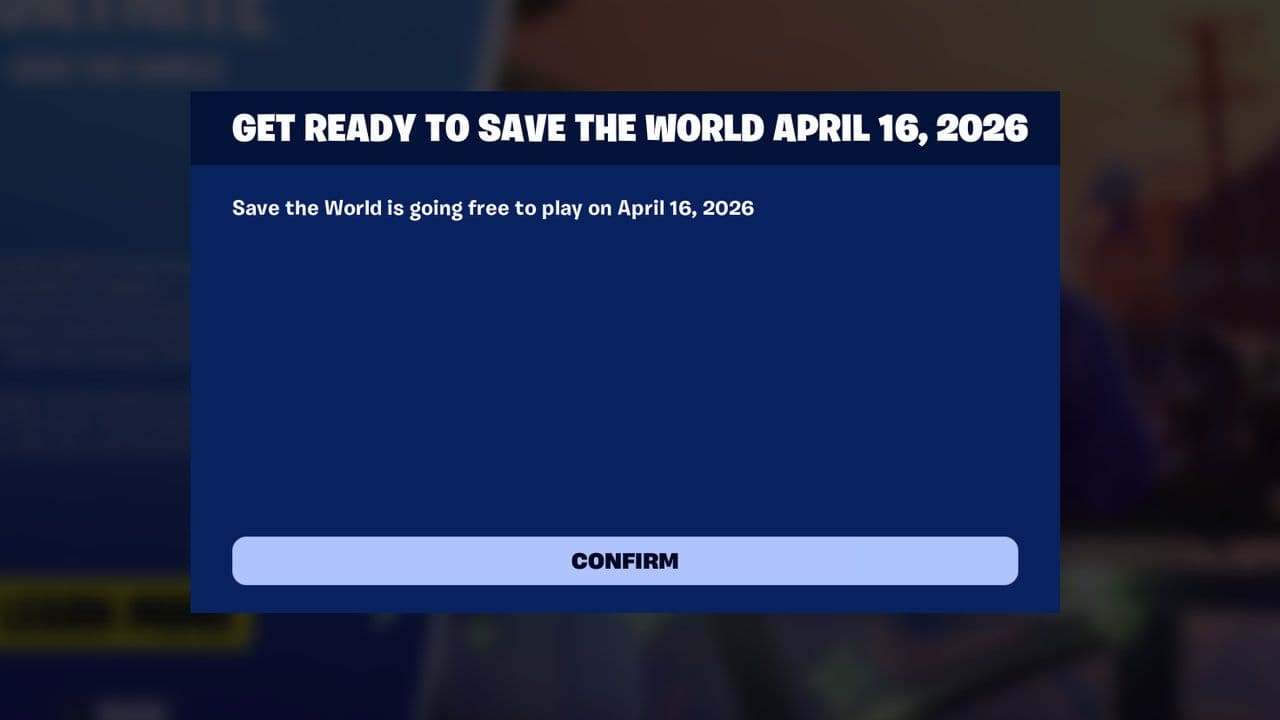
However, Epic Games has officially announced that Fortnite Save the World will become free-to-play on April 16, 2026. Until that date arrives, the register option is simply pre-registration for the upcoming free launch.
Completing the Fortnite STW register is the first step to playing Fortnite Save the World. The process is simple: create an Epic Games account, download Fortnite, register for STW, and access the mode inside the game.
Save the World offers a different Fortnite experience focused on cooperative gameplay, base building, hero progression, and story missions. For players who enjoy teamwork and strategy, it remains one of the most unique modes in Fortnite.
By following this guide, you can complete the Fortnite STW register process and start defending the world against the Husks.
That’s all for today! Looking for more Fortnite guides? Check out these:
- All Fortnite bosses & how to defeat them
- What are Accolades in Fortnite and how to get them
- Best Fortnite map codes with additional bonus maps
- How to start a custom game in Fortnite: Private 1v1, errors and fixes
- How to disable simple edit in Fortnite (PC, PlayStation, Xbox, Nintendo Switch, and mobile)
All Related Guides
 Fortnite Loot Hacker Sprites: All variants, locations, and how to get themFind all Fortnite Loot Hacker Sprites, Cheat Code locations, Chest chances, Sprite Dust costs, and how to unlo...
 All Garden vs. Brainrot codes in Fortnite: Updated listLooking for Fortnite Garden vs Brainrot codes? Get every working code, learn how to redeem them, and boost you...
 Latest Fortnite Steal the Brainrot codes (September 2026)Find all active Fortnite Steal the Brainrot codes to summon Brainrot Gods and boost rewards fast....
 Island cheats: How to find & use Fortnite Cheat codesLearn how Fortnite Cheat Codes work, where to find them, what each panel color means, and how to unlock and ex...
 Sprite Rate Up meaning in FortniteLearn what Sprite Rate Up means in Fortnite, how these events work, which Sprites get boosted, and why they're...
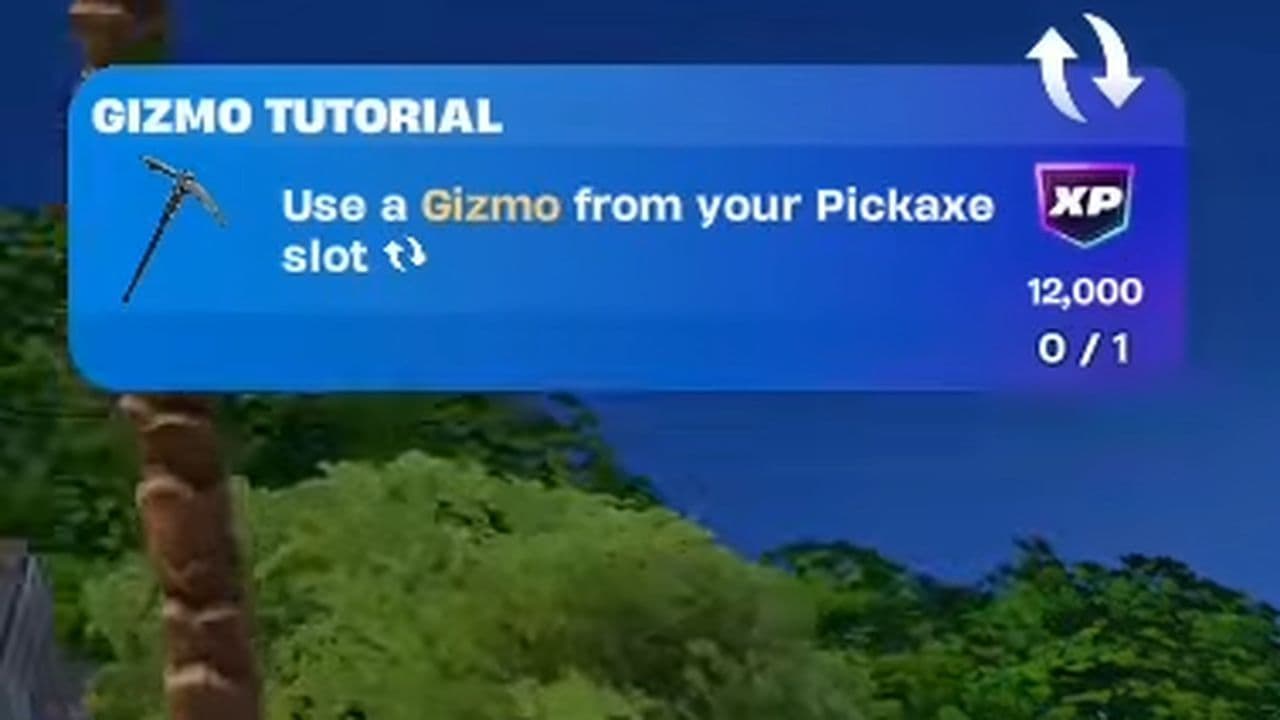 How to use a Gizmo in Fortnite (Sprite extraction tools)Learn how to use a Gizmo in Fortnite, activate the Gizmo Wheel, unlock Sprite tools, and complete the "Use a G...
 How to resummon Fortnite SpritesLearn how to resummon Fortnite Sprites in Chapter 7 Season 4, including Sprite Dust costs, levels, collection ...
 Fortnite Mastery Monday guide: Schedule, bonuses & moreLearn how Fortnite Mastery Monday works, including its weekly schedule, 2x Sprite leveling, double Sprite Dust...
- 1
- 2
- 3
- 4
- 5
- 6
- 7
- 8
- 9
- 10
- 11
- 12
- 13
- 14
- 15
- 16
- 17
- 18
- 19
- 20
- 21
- 22
- 23
- 24
- 25