How to bind noclip in CS2
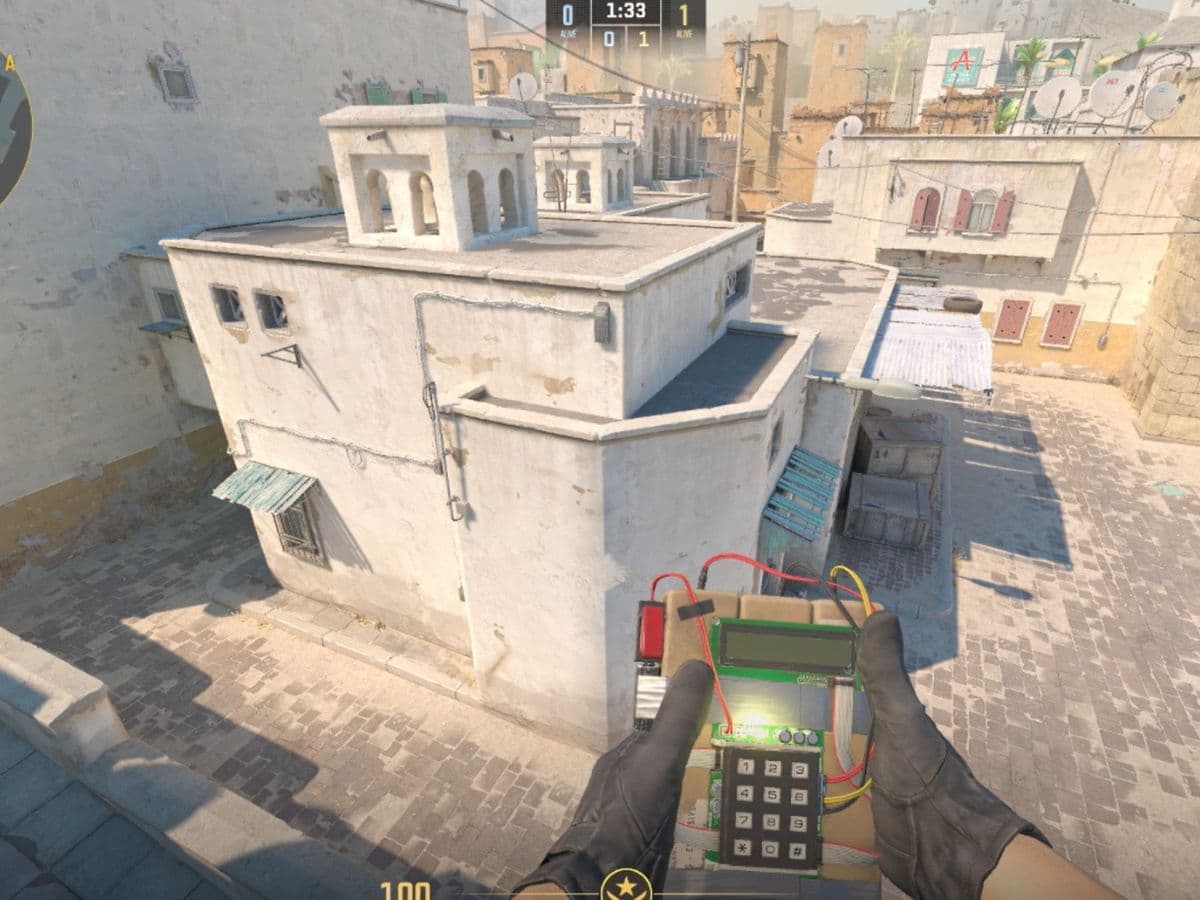
It is possible to bind noclip in CS2, which will make it way easier for you to access the feature once you need it. Noclip is a cheat command, so you cannot use it in normal official matchmaking. It mainly works in private lobbies, offline practice, or custom servers where cheats are enabled. In this piece, we explain what binding noclip in CS2 is, how to do it, and how to fix common issues!
What does binding noclip mean?
Binding noclip means assigning the noclip command to a keyboard key so you can activate it with one press. Instead of opening the console and typing the command every time, you press the chosen key and switch noclip on or off instantly.
In CS2, noclip lets your character move freely through walls and map objects. You can fly around the map and inspect areas that would normally take time to reach. That makes it useful for practice sessions, smoke setup, grenade testing, and basic map learning.
A bind saves time and makes the whole process smoother. Many players place noclip on an easy key like V, C, or a side mouse button so they can use it quickly during training.
How to bind noclip
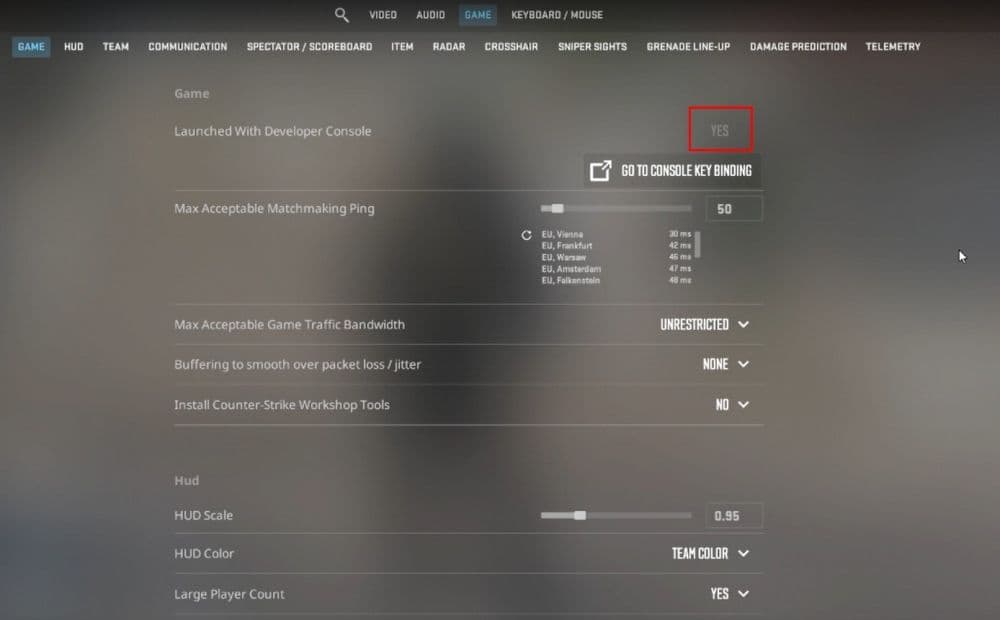
Before you bind noclip, you need to make sure the developer console is enabled in CS2. If the console is off, none of the commands will work.
Follow these steps first:
- Open Settings
- Go to the Game tab
- Find Enable Developer Console
- Set it to Yes
- Open the console in-game with the “`” key on most keyboards
Once that is ready, start a session where cheats are allowed. This can be an offline practice match, a private server, or a custom session you control.
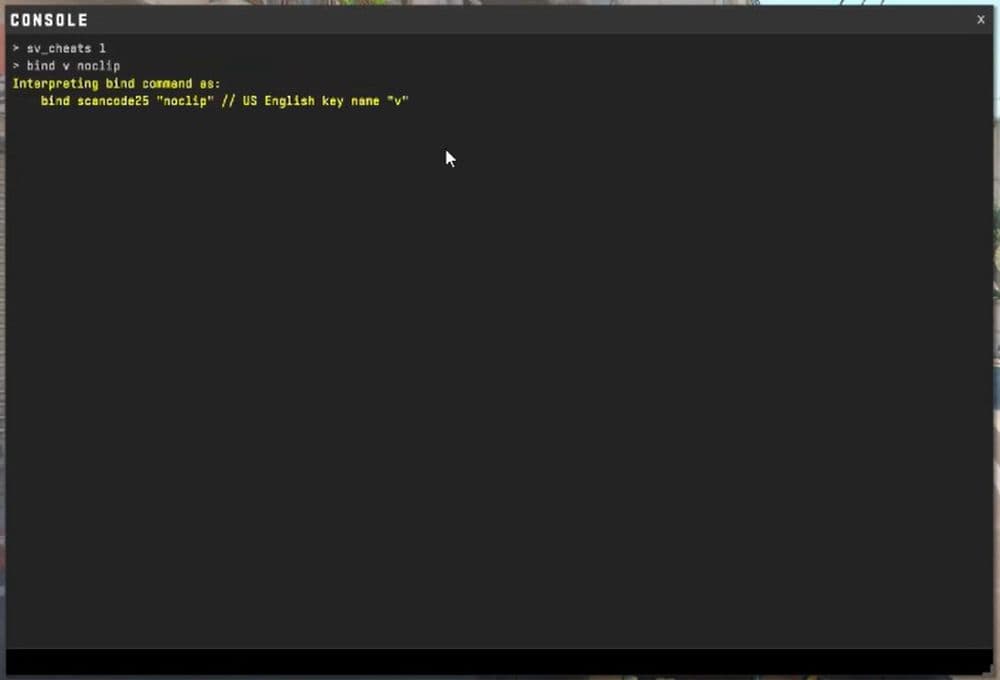
Then enter these commands:
- sv_cheats 1
- bind v noclip
This binds noclip to the V key. If you want another key, replace v with your preferred key.
You can also use this version:
- bind v "sv_cheats 1; noclip"
This is useful because it tries to enable cheats and activate noclip in one bind. Still, it does not override server limits. If the server does not allow cheats, the command still will not work.
If you want a quick setup for practice, these are the most useful commands to keep:
- sv_cheats 1
- noclip
- bind v noclip
- bind v "sv_cheats 1; noclip"
These cover almost everything most players need.
Common issues and fixes
Here are the most common issues players run into and how to fix them:
- Noclip does not work at all: Make sure you entered sv_cheats 1 first. Noclip needs cheats enabled.
- The bind works in practice but not online: This is normal. Official matchmaking and most public servers do not let players use cheat commands.
- The console does not open: Check the settings again and make sure the developer console is enabled.
- The key does nothing: You may have typed the bind wrong, or that key may already be used for another command. Re-enter the bind carefully or choose another key.
- The command only works once: Noclip is a toggle command. Press the same bind again to switch it off.
Where noclip works in CS2
This part is important because many players think the bind is broken when the real issue is the server. Noclip only works in sessions that allow cheat commands.
You can usually use it in:
- Offline practice mode
- Private lobbies
- Custom servers you host
- Some community servers with cheat support
You should not expect it to work in:
- Premier
- Competitive matchmaking
- Standard official online servers
So if you test your bind in a normal online match and nothing happens, that does not mean you set it up wrong. It usually means the server blocks cheat commands, which is very normal as you can’t cheat except in training maps.
How to change or remove your noclip bind
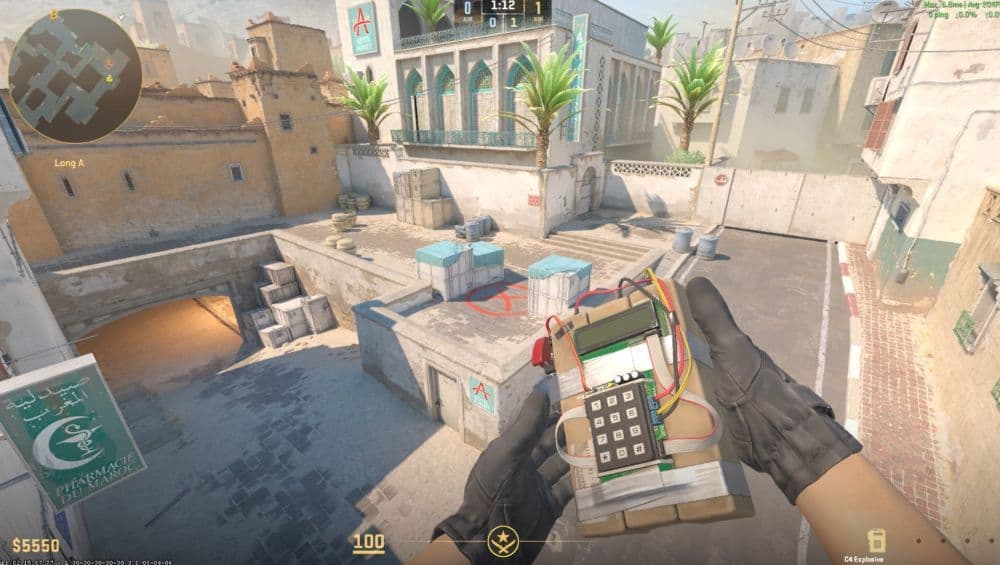
If you do not like the key you chose, you can change it at any time. Just bind noclip to a new key.
For example:
- bind c noclip
- bind mouse5 noclip
If you want to remove the bind completely, use:
- unbind v
That clears the command from the V key. This is helpful if you only want noclip for temporary practice and want to keep your main setup clean.
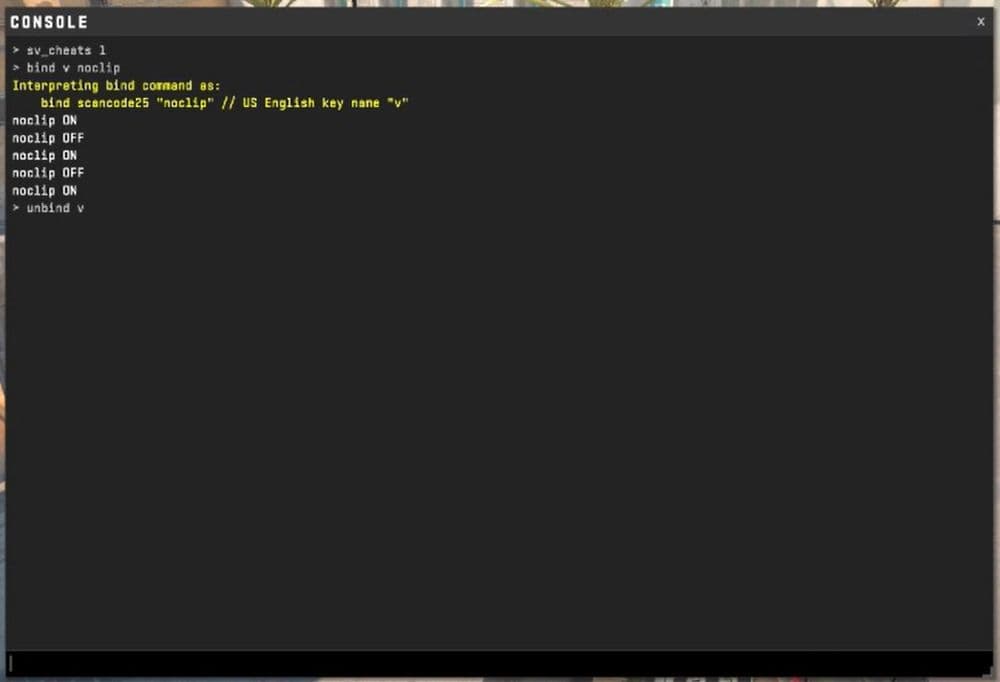
Why players use noclip in CS2 practice
Noclip is not just a fun command. It is one of the fastest tools for learning a map properly. Players use it to study bombsites, check off-angles, move across the map quickly, and test utility setups without wasting time.
It is also useful for content creators, coaches, and players who want to understand map structure better. Instead of walking the whole route again and again, you can fly straight to the area you want to inspect and keep your practice focused.
Trying to learn CS2? Start with the guide below:
- Everything about CS2 workshop map 1v1 commands
- Best CS2 aim training maps that can really improve your skills
- CS2 jumpthrow bind
- All CS2 roles and positions: How to play and improve each
- Explained: Best CS2 surf servers & maps
Featured Image Credit: THESPIKEGG
All Related Guides
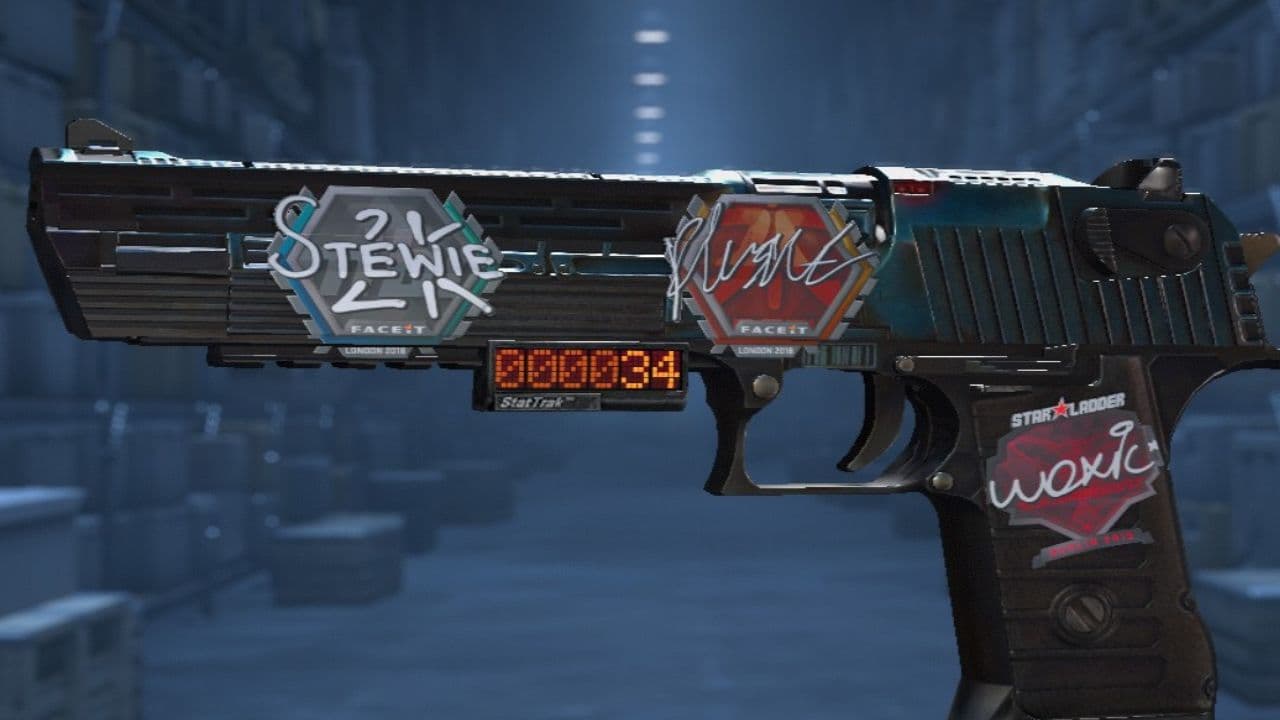 How to scrape stickers in CS2Want to remove stickers in CS2? Here’s how scraping works, what it changes, and why full removal is permanent....
 ropz CS2 settings: Crosshair, viewmodel, and moreCopy ropz CS2 settings for mouse, crosshair, viewmodel, video, and radar, then adjust them to match your own a...
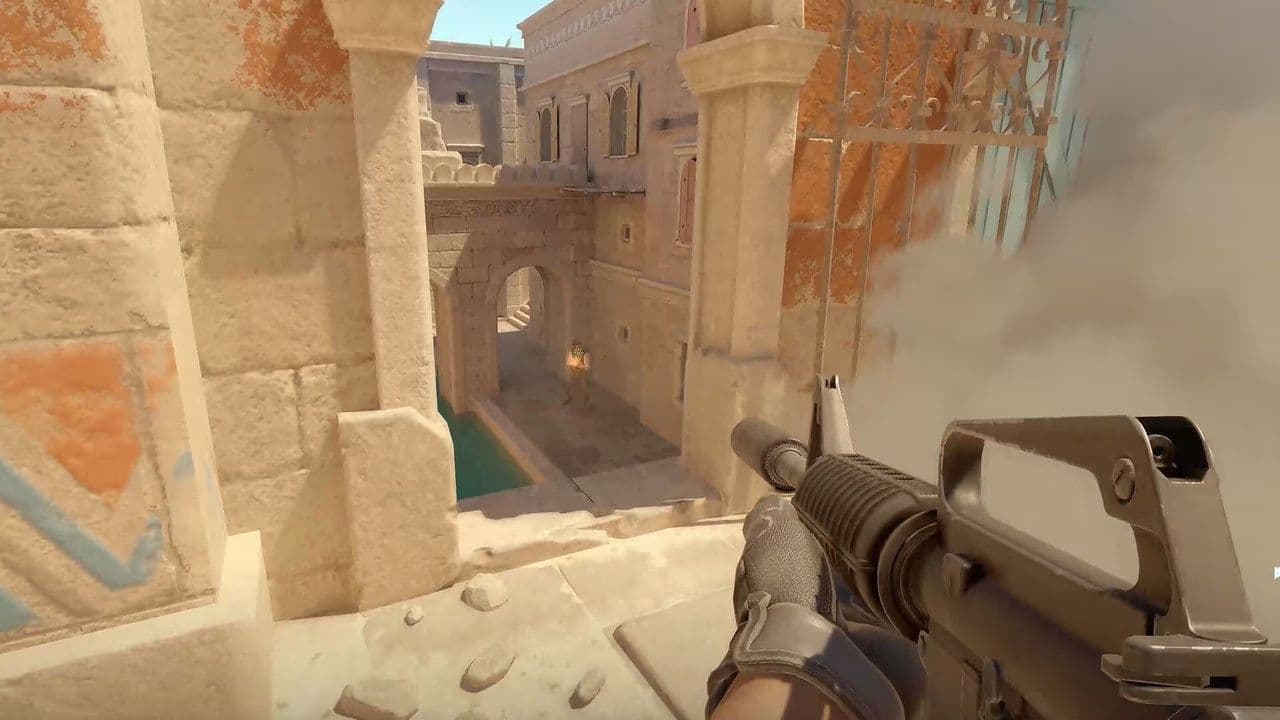 How to remove screen shake in CS2How to reduce screen shake in CS2 using console commands, viewmodel settings, graphics tweaks, and autoexec co...
 How to trade up souvenir skins CS2 with the new updateCan you trade up souvenir skins CS2? Here’s the answer, plus the key rules, risks, and best collections to che...
 Valve introduced Animgraph 2 for CS2 and here are all of the changesAnimgraph 2 is now live in CS2. Here is what changed, how it affects weapon animations, and what players shoul...
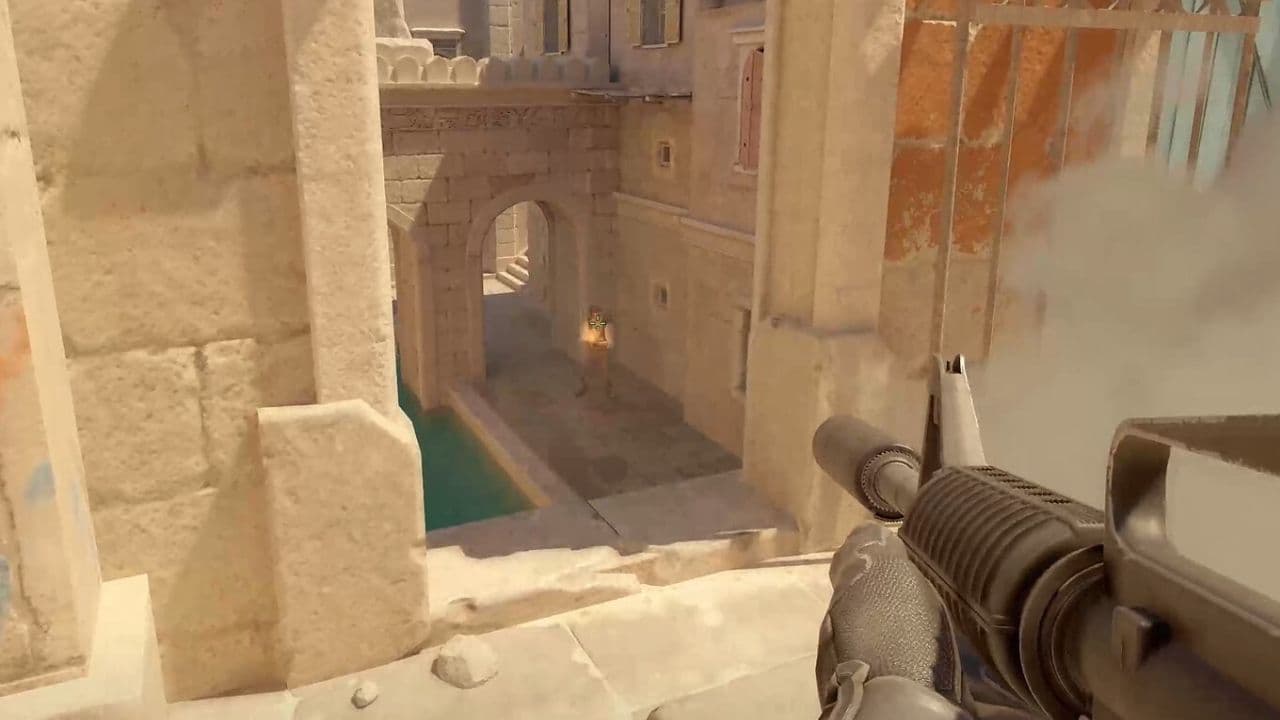 How to change FOV in CS2: Best viewmodel commandsChange your CS2 FOV the right way with simple console commands, viewmodel settings, and clear tips for better ...
 New CS2 music kits: Guide to NIGHTMODE II CollectionNew CS2 music kits guide: NIGHTMODE II collection, all tracks, MVP anthems, artists, and best kits for every p...
 nocries CS2 settings: The Faceit prodigyFind the latest nocries CS2 settings with his DPI, sensitivity, stretched resolution, viewmodel, and crosshair...
- 1
- 2
- 3
- 4